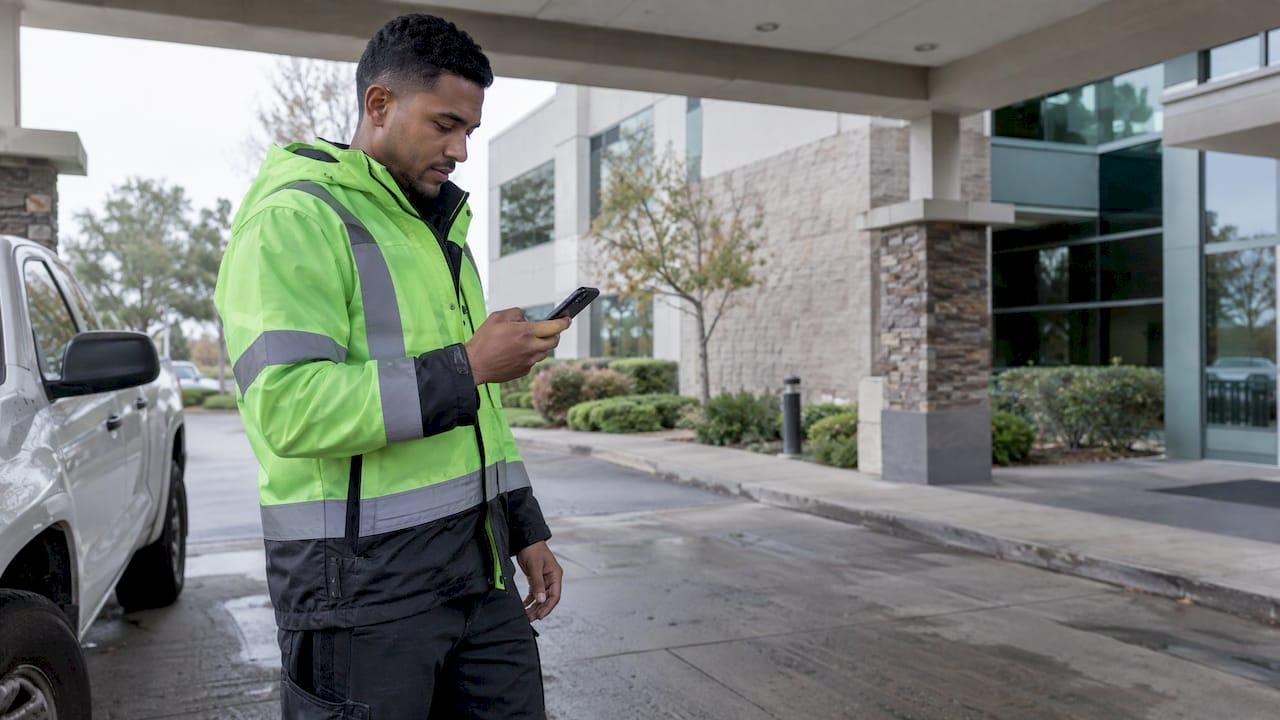
GPS arrival tracking records when an employee reaches a job site and when they leave it, using the location of their phone at that moment. For a manager, the value is a timestamped, location-backed record of arrivals and departures that feeds scheduling, check-ins and payroll. Heyhive supports GPS arrival and departure tracking for mobile and multi-site teams, so you see who is on site without calling anyone to ask.
This guide covers what the technology does, how far you can trust a GPS reading, how to use arrivals for timekeeping, and what U.S. employers should settle on privacy before turning it on.
TL;DR
- GPS arrival tracking logs when a phone reaches or leaves a site, so you get arrival and departure times without phone calls or paper sheets.
- A smartphone is typically accurate to about 16 feet (4.9 meters) under open sky. Buildings, trees and urban canyons can widen that, so set site boundaries with room to spare.
- Time spent traveling between job sites during the workday counts as work time under federal wage law, and arrival records document it.
- Tell employees what is tracked, when and why. Some states require written notice of electronic monitoring.
- Track on-the-clock presence at the site, not people's whole day.
Table of Contents
- What GPS arrival tracking actually is
- How the arrival is detected
- How accurate is a GPS arrival?
- How ETAs are calculated, and why they slip
- What you need to run it
- Using arrivals for check-ins and shift coordination
- GPS arrival data and payroll: what the law says
- Privacy and notice: set the policy before you switch it on
- Keeping the data honest
- Start with a two-week pilot
- Perspective: attendance proof, not surveillance
- See arrival tracking inside your schedule
- FAQ
- Sources
What GPS arrival tracking actually is
The Global Positioning System is a network of satellites. A phone listens to signals from several of them and works out where it is. Arrival tracking adds a rule on top: a site has a location and a boundary, and the system notes when the phone's position falls inside or outside it.
That gives you three kinds of event:
- Arrival: the phone enters the site boundary, or the employee checks in while inside it.
- Departure: the phone leaves the boundary, or the employee clocks out.
- Time on site: the gap between the two.
This is different from a vehicle tracker that plots a truck's route on a map. Arrival tracking answers a narrower question that managers care about more: did the person get to the right place, and when? If you want a general look at how location devices notify someone when a vehicle reaches a destination, this overview of fleet GPS tracking software benefits explains the vehicle side. For crews and shift teams, the useful record is attendance at the job, and our guide to field operations GPS that proves attendance, not vehicles goes deeper on that distinction.
Who it helps most
- Field team leaders with crews moving between customer sites and who need real-time check-ins.
- Retail managers covering several locations, who want to know a closing employee is at the right store.
- Restaurant managers whose shifts change week to week and who need clock-ins to match the posted schedule.
- Small business owners who prepare payroll by hand and want start and stop times they can stand behind.
How the arrival is detected
Most systems work in one of two ways, and the difference matters for both accuracy and privacy.

Check-in verification. The employee taps to clock in, and the app reads the phone's location at that moment and compares it with the site. If the phone is inside the boundary, the clock-in is verified. This is the lightest approach, because location is read when the employee acts.
Automatic arrival and departure. The app watches for the phone crossing the boundary and logs the event itself. It gives you arrival times without relying on anyone remembering to tap, but it needs location permissions that stay on during the shift.
Heyhive's GPS-verified clock-ins and GPS arrival and departure tracking for field teams are built for the work managers do every day: confirming that the crew assigned to a site is the crew at the site. To see how site boundaries are usually drawn, read our guide to geofencing time tracking.
How accurate is a GPS arrival?
A manager who treats a GPS dot as exact will eventually be surprised. Know the real numbers.
The U.S. government's GPS program says that GPS-enabled smartphones are typically accurate to within a 4.9-meter (16-foot) radius under open sky. It adds that accuracy gets worse near buildings, bridges and trees, and that signals blocked indoors or underground, or bounced off surfaces, can produce wrong positions.
Dense downtown streets are the hard case. Uber's engineering team reports that in urban canyons, where tall buildings reflect signals, phone location errors can exceed 100 meters, and that combining GPS with motion sensors in the phone reduces those errors noticeably.
What this means for your site boundaries
- A boundary that hugs a building is too tight. A reading that drifts 20 meters will mark a person who is standing at the door as absent.
- A boundary that is too wide will log people who are across the street or in the parking lot next door.
- Indoor locations, such as a mall unit, a basement kitchen or a hospital wing, deserve a wider allowance than an open construction lot.
Our guides on setting geofences at 50 to 100 meters and on GPS time clock accuracy records walk through how to choose a radius and keep a record that shows why a clock-in was accepted.
A worked example
Say you run a landscaping crew with a job at a suburban office park. Your crew lead arrives at 7:02 a.m., but the phone's location was weak under a covered drive-through and the first reading puts it 60 meters off. With a 50-meter boundary, that check-in is flagged. With a boundary sized for the site and a manager who reviews flagged entries, you approve it in one tap and move on. Without any record you would be arguing from memory at payroll time.
The lesson: GPS is strong evidence, not a verdict. Pair it with a manager's review for the odd exception.
How ETAs are calculated, and why they slip
Some tools also show an estimated arrival time for someone still on the road. This is a prediction, not a measurement. According to TomTom, reliable estimates draw on historical and live traffic data, detailed road information and routing algorithms, and they can still shift with weather, incidents and how an individual drives.
For scheduling, treat an ETA as a heads-up. The firm record is the actual arrival once the employee is on site. A good routine is to schedule travel buffers between sites and use the ETA only to decide whether to call ahead to the next customer.
What you need to run it
The setup for a typical team is simple:
- Smartphones. Employees use their own or company phones. The app needs location permission.
- Defined sites. Each job site, store or restaurant has an address and a boundary.
- A data connection. Phones need a mobile or Wi-Fi connection to send the event to you. GPS itself works without data, but records only reach the manager once the phone is back online.
- A schedule to compare against. Arrival data is most useful when it sits next to who was supposed to be there.
- A payroll path. The hours should flow into payroll without retyping.
The last two are where a single platform saves effort. Heyhive combines scheduling, time tracking and payroll-ready hours export in one interface, so the arrival you see is already tied to the shift you planned.
Using arrivals for check-ins and shift coordination
Here is a daily routine that works for field and multi-site teams.
- Publish the schedule. In Heyhive, AI scheduling generates a full week of shifts in seconds while respecting availability, certifications and overtime limits. You review and approve before anything is published.
- Watch arrivals in real time. Real-time attendance tracking shows who has arrived and who has not. If a shift starts at 6 a.m. and a site is still empty at 6:10, you know while there is still time to act.
- Cover gaps fast. When someone is late or out, open shifts can be filled quickly and team messaging reaches the people who can step in.
- Review exceptions. Check the few entries that were flagged, such as a weak signal or a clock-in at the wrong location, and correct them.
- Export hours. At the end of the pay period, send payroll-ready hours instead of rebuilding them from texts and paper.
The point is that one record serves every step. The same arrival that tells you a crew is on site becomes the start time on the timesheet.
GPS arrival data and payroll: what the law says
This part is about wage law, and it is where accurate arrival records protect you.
The U.S. Department of Labor states that time an employee spends traveling from job site to job site during the workday is work time and must be counted. Ordinary home-to-work commuting is generally not. Hourly employees who drive between customers therefore have paid time that never shows up if you only record clock-in at the first stop and clock-out at the last.
With arrival and departure records at each site, you can see:
- when the employee left site A and reached site B, so travel time can be counted;
- how long they were actually on site, so you are not paying from a rounded estimate;
- whether overtime thresholds are approaching, so you can adjust the next shifts.
The cost of missing location detail is real. In one Department of Labor case, a contractor's timekeeping system recorded hours and job numbers but not work-site locations, and some workers were paid the wrong prevailing wage for remote job sites. Location-backed records answer the question of where the work was done.
For your own situation, such as exempt versus non-exempt roles, state overtime rules or prevailing-wage jobs, confirm the details with your payroll provider or an employment attorney.
Privacy and notice: set the policy before you switch it on
Employees are more comfortable with arrival tracking when it is clearly scoped. Decide these points in writing first:
- What is collected. Arrival and departure at work sites during scheduled shifts, not a minute-by-minute trail of someone's day.
- When it runs. Only on the clock. No tracking during unpaid breaks or after hours.
- Who sees it. Managers who need it for scheduling and payroll, and the employee's own records.
- How long it is kept. Set a retention period and stick to it.
- How employees are told. Plain-language notice before the first shift.
The legal picture varies by state. A 2025 article in the Minnesota Journal of Law, Science & Technology notes that Connecticut and New York require prior written notice of electronic monitoring, and that Texas requires consent before tracking a vehicle. Because states keep adding rules, written notice is the safe default everywhere you operate.
We cover this in two practical guides: GPS privacy at work explains what employers and employees should know, and a six-step policy for U.S. HR turns it into something you can hand to your team. If you have employees in several states, have an employment attorney review your notice.
Keeping the data honest
A record is only as good as its integrity. Some employees may try to fake a location with an app. Our guide to GPS spoofing prevention for field time clocks covers what to watch for. To see how location checks reduce time theft in hourly teams, read about geofencing time clocks.
The best protection is a clear, fair process: employees know the rule, managers review flagged entries instead of assuming the worst, and corrections are logged.
Start with a two-week pilot
You do not need to roll this out to the whole company at once. Pick one crew, one store or one shift pattern and run it for two weeks. Count how many clock-ins were verified at the first attempt, how many needed a manager to fix them, and how many minutes of payroll cleanup it saved. Adjust boundaries where the flags cluster, then widen the rollout. Our two-week GPS pilot guide lays out the steps for tracking field employees without micromanaging them.
Perspective: attendance proof, not surveillance
We build GPS arrival tracking around one question: is the right person at the right place, on the shift you scheduled?
Managers in shift-driven businesses lose hours to the same things: calling to ask where someone is, retyping times from texts, and fixing timesheets after the fact. We think the answer is a single connected flow. The schedule is generated with AI and approved by you. Clock-ins are verified by GPS. Hours leave as payroll-ready data.
We also believe you should stay in control. Heyhive generates the shifts, and you approve them before publication. The same principle applies to arrivals: the system records, and you make the call on the exceptions.
Used this way, GPS is not a leash. It is a shared record that protects the employee who showed up on time as much as the business that paid for the hours.
Heyhive
See arrival tracking inside your schedule
Heyhive brings AI scheduling, GPS-verified time clocks, real-time attendance, team messaging and payroll-ready hours into one platform. You approve shifts before they go out, and GPS arrival and departure tracking shows how each site is covered. Plans are billed as a subscription after a free trial. Start on the Heyhive platform and look at how field check-ins work for your team.
FAQ
Can GPS track an exact location?
Not perfectly. A smartphone is typically accurate to about 16 feet in open sky, and GPS.gov notes that buildings, trees and blocked signals reduce that. For arrival tracking, you set a boundary around the site so small errors do not cause false misses, and a manager reviews flagged entries.
Does GPS arrival tracking follow employees all day?
It does not have to. A well-designed policy records arrival, departure and clock-in verification during scheduled shifts. Keep tracking to on-the-clock hours and tell employees in writing what is collected and why.
Is travel between job sites paid time?
Generally yes. The Department of Labor says job-site-to-job-site travel during the workday is work time. Arrival and departure records show when that travel happened. Check state rules and special cases with your payroll provider or an employment attorney.
How does GPS calculate arrival time?
Estimated arrival uses live and historical traffic, road data and routing calculations, as TomTom describes. Weather, incidents and driving behavior can move the estimate, so use it as a guide and rely on the recorded arrival for timekeeping.
Sources
- GPS Accuracy | GPS.gov
- Improving Pickups with Better Location Accuracy | Uber
- The ETA Conundrum | TomTom Newsroom
- Fact Sheet #22: Hours Worked Under the FLSA | U.S. Department of Labor
- WHD News Release, 2015 | U.S. Department of Labor
- Every Step You Take: Securing Employees' Location Data | Minnesota Journal of Law, Science & Technology