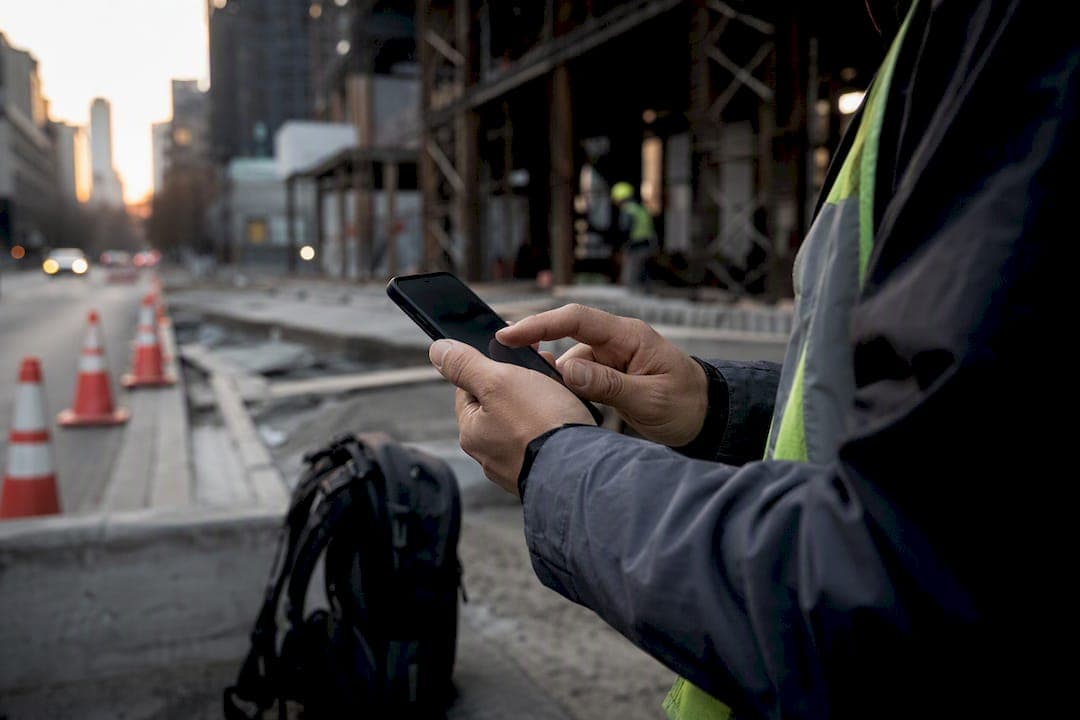
Event-triggered GPS with geofenced clock-ins, not continuous tracking, is the right architecture for verifying where and when your field team works. You capture a location stamp at clock-in, clock-out, and breaks, pair it with a geofence around each job site, and add optional photo verification for high-risk roles. Layer in a written policy, employee consent, and payroll integration, and you have a defensible, low-friction system your crews will actually accept.
TL;DR:
- Event-triggered GPS tracking keeps battery use low and privacy concerns minimal by recording location only at clock-in, clock-out, and scheduled breaks.
- Geofence radii of 100 to 300 meters accommodate signal drift and site-specific conditions, especially in urban or indoor environments.
- Pairing GPS data with photo or biometric verification helps prevent buddy-punching and strengthens attendance records.
- Running a two-week pilot on challenging sites with weak signals or complex layouts helps fine-tune geofence settings and test system reliability.
- Clear, written policies and role-based training are essential for crew acceptance and to prevent disputes during implementation.
Table of Contents
- What Field Operations GPS Tracking Actually Means
- How Event-Triggered GPS, Geofencing, and Identity Checks Work Together
- What Results Should You Expect After Rollout?
- Your Step-By-Step Implementation Checklist
- Technical Requirements Your IT Team Should Know
- Getting Your Crews to Actually Use It
- How Heyhive Puts This Checklist Into Practice
- Why Heyhive Builds Around Event-Triggered GPS
- Sources
What Field Operations GPS Tracking Actually Means
Field operations GPS tracking, in the way that matters to you, is about verifying attendance, not monitoring vehicles. It means capturing a location stamp the moment an employee clocks in or out, checking that stamp against a geofence around the job site, and using that record to confirm the person was where they said they were, when they said they were. It has nothing to do with route optimization, driver behavior scoring, or fleet maintenance alerts. That's a different product built for a different buyer.
You'll see this used most in home health, commercial cleaning, construction, multi-site hospitality, and field service or repair work, where the same person clocks in at a different address every day and payroll needs proof they showed up. Each clock event typically records GPS coordinates, a timestamp, the job-site or geofence ID it matched against, and, in some setups, a selfie photo or biometric confirmation of who punched the clock. Nothing streams in between events. Nothing tracks movement between the parking lot and the front door. The system answers one question, cleanly: was this person on site when the clock says they were?

How Event-Triggered GPS, Geofencing, and Identity Checks Work Together
The mechanics are simpler than most managers expect once you separate the three moving parts.
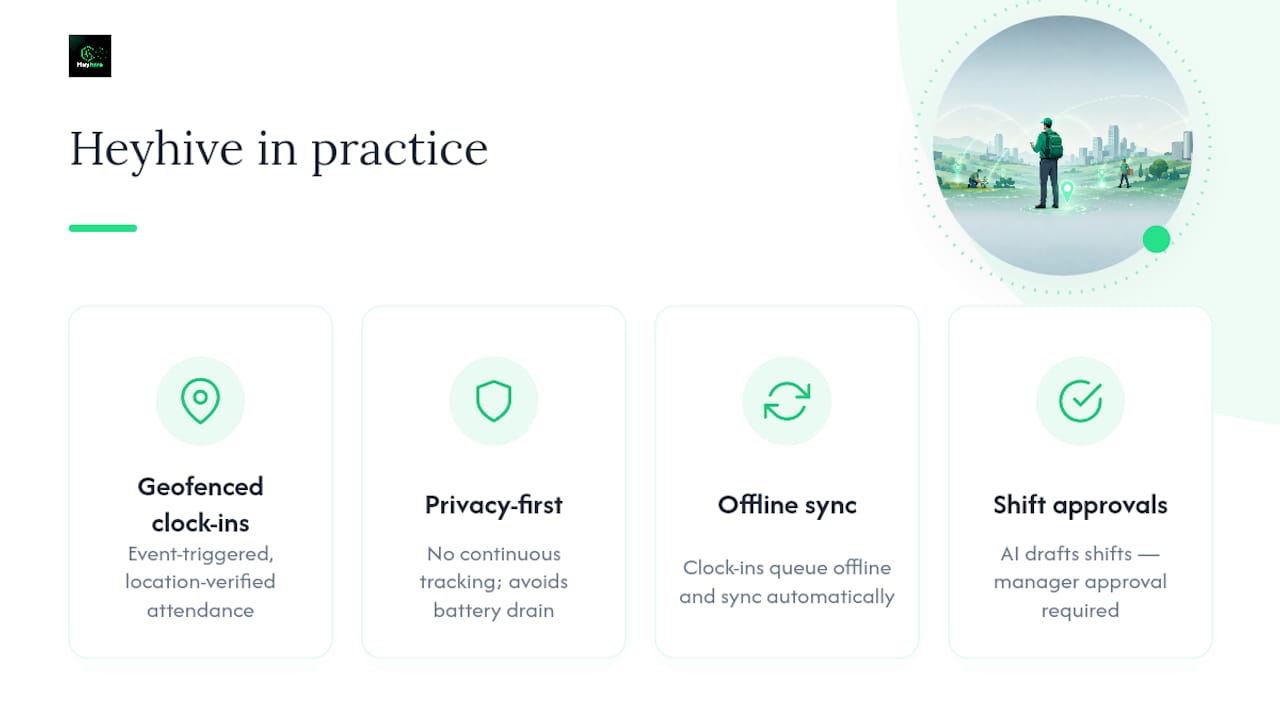
Event-triggered points fire only at clock-in, clock-out, and scheduled breaks. The phone or device grabs a single GPS reading, timestamps it, and sends it. This is the model recommended for shift-based teams because it does exactly what payroll needs and nothing more, which is also why it sidesteps most of the privacy concerns that come with continuous GPS monitoring.
Geofences define the radius around a job site where a clock-in counts as valid. Most implementations land somewhere between 100 and 300 meters, adjusted for site type. A tight radius on an open construction lot causes fewer problems than the same radius in a dense urban block, where GPS signals bounce off buildings and drift. Test each site type during setup rather than applying one default everywhere.
Identity verification closes the buddy-punching gap that geofencing alone can't. Pairing a location check with a quick photo or biometric confirmation ties the GPS point to the actual person clocking in, which strengthens the record if a shift ever gets disputed or audited.
A well-built app also queues clock-ins offline when a job site has no signal, then syncs with the original timestamp preserved once connectivity returns, so a dead zone never becomes a payroll headache.
- Event-triggered points capture location only at clock events, not continuously
- Geofence radii of 100 to 300 meters absorb typical drift without rejecting valid punches
- Photo or biometric checks reduce buddy-punching on high-risk or high-turnover roles
- Offline queuing protects timestamp integrity until the device reconnects
What Results Should You Expect After Rollout?
The case for GPS-verified attendance isn't abstract. It shows up in specific, trackable numbers within a few pay cycles.
Teams that move from paper timesheets or honor-system punches to location-verified clock-ins typically see fewer disputed hours, faster timesheet approval, and tighter shift compliance, because managers no longer have to chase down "was he actually there" questions before running payroll. Location-stamped records also give you something concrete to hand a client during an SLA audit or a labor dispute, which matters more than most operations managers expect until the first time they need it.
By the Numbers: Event-triggered GPS drains roughly 2 to 5 percent of battery across an 8-hour shift, compared with continuous tracking's 15 to 25 percent drain over the same period. That gap alone explains why event-triggered is the default for attendance use cases, not just the privacy-friendly choice.
Track these KPIs once the system is live:
- Payroll variance percentage between GPS-verified hours and manually reported hours
- Average time to approve a timesheet, from submission to manager sign-off
- Number of disputed punches per pay period
- Hours saved on payroll processing per cycle
- Overtime incidence tied to specific sites or shifts
Your Step-By-Step Implementation Checklist
Rolling out GPS-verified attendance works best as a sequence, not a single big-bang launch. Skip a step and you'll pay for it in employee pushback or a policy gap you'll wish you'd closed earlier.
- Write the policy first. Document the purpose, scope, data retention period, who has access, and what happens if someone violates it. A clear written GPS tracking policy with a signed acknowledgment is the single biggest factor in avoiding disputes later.
- Decide on devices. Company-issued devices remove consent friction entirely. If you're going BYOD, get written consent from every employee and have a company-device fallback ready for anyone who refuses.
- Configure geofences and clock windows. Set radii by site type, build in a grace period for early or late punches, and test for drift before you trust the defaults.
- Define exception workflows. Decide who approves a flagged punch, what triggers a photo or biometric requirement, and how exceptions get resolved before payroll export, not after.
- Run a two-week pilot. Mix crew types and site conditions, collect real feedback, and retune geofence sizes based on what actually happens in the field rather than what looked right on a map.
- Integrate with payroll. Set a manager sign-off gate before hours ever reach your payroll system, so GPS data confirms accuracy instead of just adding another export step.
Pro Tip: Run your pilot on your hardest site first, the one with weak signal, an unusual building layout, or a tight urban footprint. If the geofence holds up there, it will hold up everywhere else.
Technical Requirements Your IT Team Should Know
Consumer GPS chips are accurate to roughly 5 to 10 meters under open sky, worse near tall buildings or indoors. That's the real-world number to design around, and it's exactly why 100 to 300 meter geofences work better than anything tighter. Battery behavior follows the same logic covered earlier: event-triggered capture stays light on power draw, while continuous streaming eats noticeably more battery across a shift, which matters on older field devices that already struggle to last a full day.
Offline sync needs to preserve the original timestamp, not the sync time, and should flag any conflicting records for manager review rather than silently overwriting them. On the integration side, look for:
- CSV or CSV-compatible exports for manual payroll workflows
- Direct-ready formats for common payroll platforms
- API-based approval flows that let a manager sign off before hours post
Getting Your Crews to Actually Use It
The technology matters less than how you introduce it. Crews that understand why they're being tracked, and see the limits of that tracking in writing, adopt far faster than crews who feel watched without explanation.
Be specific about what the system does and doesn't collect, how long records are kept, and who can see them. Build role-based training: a five-minute quickstart for field staff, a dashboard walkthrough for supervisors, and a short procedure doc for whoever processes payroll. Keep a support channel open during the pilot so small frustrations get fixed before they become reasons to distrust the whole system.
- Put the policy in writing and require a signed acknowledgment
- Train each role separately, keeping field-staff training under five minutes
- Offer a company device to anyone unwilling to use a personal phone
- Show crews their own KPIs, like fewer disputes and faster approvals, so the benefit is visible to them too
Pro Tip: Share the "before and after" payroll dispute count with your crew after the pilot. Nothing builds buy-in faster than proof the system is protecting their paycheck, not just watching them.
How Heyhive Puts This Checklist Into Practice
Everything in this checklist maps directly to what Heyhive's GPS time clock already does. Clock-ins are event-triggered and geofenced, so you get location-verified attendance without continuous tracking or the battery drain that comes with it. Offline clock-ins queue and sync automatically, exports are payroll-ready, and every shift the AI generates still needs your approval before it goes live, so you keep control while the system handles the busywork.

For teams weighing site-level verification beyond time clocks, pairing GPS attendance with visual site checks like construction site cameras is worth exploring, especially on multi-crew job sites where accountability questions go beyond punch times. Heyhive's own geofencing guide walks through radius tuning in more depth if you want to get that part right before your pilot starts.
If you're running a shift-driven crew right now and tired of chasing down "were you actually on site" arguments, start a free trial with Heyhive and run your own two-week pilot on your toughest location. You'll know within ten shifts whether it fits.
Why Heyhive Builds Around Event-Triggered GPS
We build toward event-triggered GPS and manager approvals because that combination gets you a defensible record without turning attendance into surveillance. The most common misconfiguration we see is a geofence set too tight for a site's actual signal conditions, which is a five-minute fix once you spot it in a pilot. Start with one crew, measure disputed punches for two weeks, then scale what works.
— Heyhive