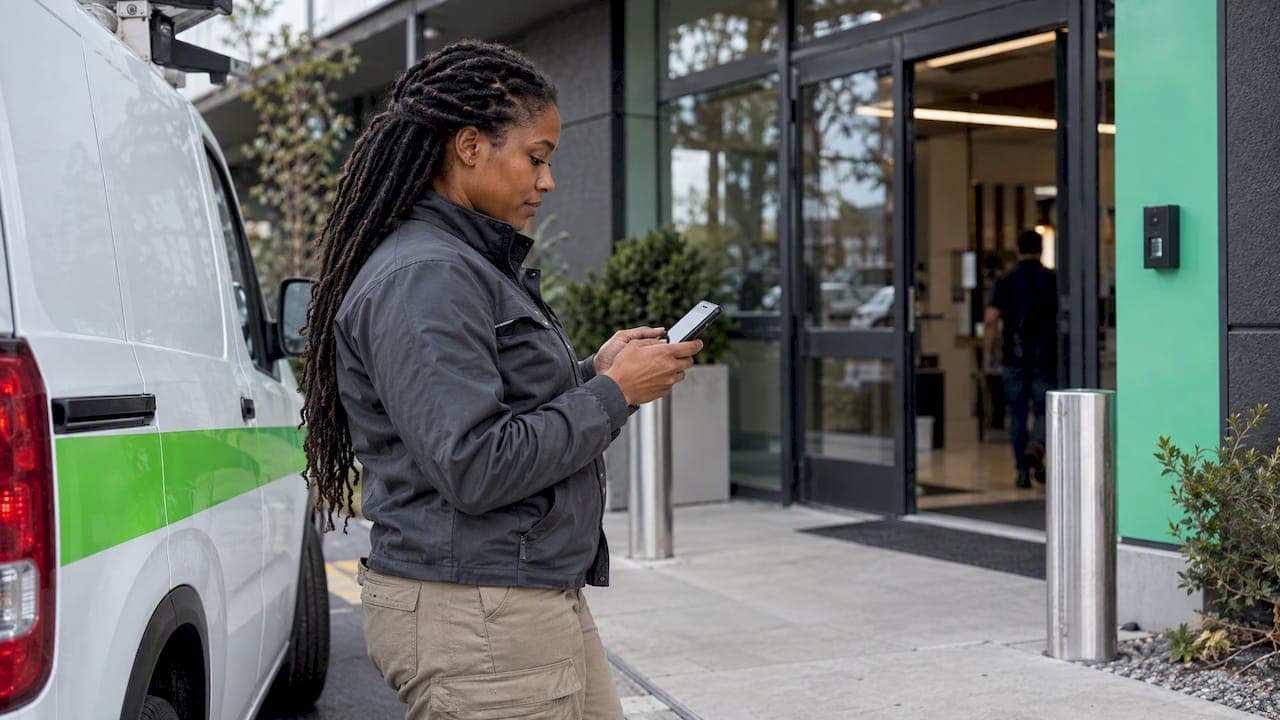
Field team attendance tracking means recording when each worker arrives at and leaves a job site, verified by something better than a text message or a handwritten sheet. The most reliable setup is a phone check-in tied to GPS and a geofence around each site. Every punch gets a time and a location, and those records flow into timesheets and payroll without retyping. This guide covers how it works, where it breaks, what U.S. rules apply and how to roll it out without losing your crew's trust.
TL;DR
- Use a mobile check-in that compares the worker's phone location with a defined site boundary (a geofence), and record the result with the punch.
- Fix the usual failure points first: late texts, shared phones, buddy punching, and schedules that change by the day.
- Federal law lets you choose any timekeeping method, but your records must be complete and accurate, and wage records must be kept for at least two years.
- Capture location only at check-in and check-out, and tell your team in advance what you collect and why.
- Connect attendance to scheduling and payroll export so one record serves all three.
Table of Contents
- What field team attendance tracking actually solves
- How field check-ins work: mobile, GPS and geofencing
- The hard part: multiple sites and changing shifts
- Turning attendance into accurate timesheets and payroll
- U.S. recordkeeping rules to know
- Privacy: track attendance, not people
- Our perspective: attendance belongs inside scheduling
- A rollout plan that works for field crews
- Check in with Heyhive
- FAQ
- Sources
What field team attendance tracking actually solves
An office has a door and a badge reader. A field team has a dozen job sites, a few vehicles and a group text. Managers end up guessing who showed up, when, and for how long.
That guesswork creates the same problems again and again:
- Missing or rounded hours. Workers reconstruct their week from memory on Friday.
- Disputes. "I was there at 7" is hard to settle without a record.
- Buddy punching. One person clocks in for another.
- Slow payroll prep. Someone retypes paper or spreadsheet entries.
- Coverage gaps. You learn about a no-show after the customer calls.
Good tracking replaces these with a timestamped, location-verified record created at the moment it happens. That record is useful for far more than attendance: it feeds scheduling, job costing and payroll.
How field check-ins work: mobile, GPS and geofencing
The mechanics are simple. A worker opens the app and taps to check in. The app compares the phone's current location with the permitted sites and records whether the worker is inside or outside the geofence, as one GPS attendance integration describes it. Two things must be in place: location permission on the phone and geofences defined for each site.
Setting up geofences
A geofence is a virtual boundary around a site. Think about three decisions:
- Radius. Too tight and workers on a large property get rejected. Too wide and someone in the parking lot across the street counts as on site. Our own guidance on 50 to 100 meter geofences explains how to choose and document a radius.
- Site type. A fixed shop, a rotating customer address and a large campus each need different handling.
- What happens outside the fence. You can block the punch, or allow it and flag it for manager review. Flagging is friendlier for mobile crews.
For a deeper walk-through, see our manager's guide to geofencing time tracking.
Accuracy is a record-keeping question
Phone GPS is good, not perfect. Dense buildings, basements and rural dead zones all introduce error. The practical answer is to store the accuracy reading with each punch so you can explain an odd one later. We cover this in why geofences need accuracy records.
What a clean check-in flow looks like
- The worker sees today's assigned site and shift in the app.
- They tap to check in on arrival. The app logs time, location and whether they were inside the geofence.
- Out-of-range punches are flagged, not silently accepted.
- They tap to check out at departure.
- The manager sees live status for every site on one screen.
The hard part: multiple sites and changing shifts
Tracking one crew at one address is easy. The trouble starts when the work moves.
Schedules change daily. If attendance lives in one tool and the schedule in another, the two drift apart. A worker moved to a different site at 6 a.m. then checks in "outside" the fence they were originally assigned. Attendance should read from the current schedule.
Workers cover more than one site per day. You need a punch per site, or a clear rule for how travel between sites is recorded. On the federal side, the Department of Labor's hours worked fact sheet explains which kinds of travel count as work time, so check it before you decide how to treat drive time between jobs.
Shift swaps and open shifts. When a worker swaps with a teammate, the check-in must be tied to the person who actually works the shift. Swaps handled in a group chat leave no clean trail.
Connectivity. Job sites often have weak signal. Look for tools that queue a punch and sync it when the phone reconnects, and keep the original punch time.
Shared devices. If several workers use one tablet or phone, buddy punching returns. Individual logins on personal or assigned phones are the cleaner approach. Our post on geofencing time clocks and time theft goes into the prevention side.

Turning attendance into accurate timesheets and payroll
Attendance data only pays off when it becomes hours someone gets paid for. A reliable chain looks like this:
- Scheduled shift sets the expected site, start and end.
- Verified punches record the actual arrival and departure.
- Exceptions queue shows late arrivals, missed punches and out-of-fence punches for a manager to resolve.
- Approved hours lock after review.
- Payroll export sends totals to your payroll provider in the format it expects.
The exceptions step matters most. A system that blindly accepts every punch moves errors faster. One that surfaces the five odd punches out of five hundred lets a manager fix them in minutes.
If you are choosing between a time clock and manual timesheets, our comparison of timesheets versus a time clock lays out the trade-offs. For a wider look at tools, see our attendance tracking app roundup.
U.S. recordkeeping rules to know
The Fair Labor Standards Act (FLSA) requires employers to keep records that include total hours worked each workday and workweek, regular pay rates, earnings and deductions, and records need not be kept in a particular form. The Department of Labor adds that any timekeeping method is acceptable as long as the records are complete and accurate, and that time cards and similar wage-computation records must be kept for at least two years.
Two practical consequences:
- A GPS app is allowed, but it does not excuse bad records. If punches are missing or edited without notes, the record is still incomplete.
- Overtime depends on accurate weekly totals. Anything over 40 hours in a workweek for non-exempt employees triggers overtime pay under the FLSA, so a clean weekly total is what protects you. If you want to understand how overtime and comp time differ under federal law, this explainer on overtime versus comp time rules is a good companion.
State rules on breaks, overtime thresholds and recordkeeping vary, so check your state labor department for the rules where your crews work. Questions about a specific pay practice belong with an employment attorney or your payroll provider.
Privacy: track attendance, not people
Location data is sensitive. Workers will accept it when it is narrow, explained and tied to a clear business purpose.
- Collect only at the punch. One GPS integration records location only at check-in and check-out, unless continuous tracking is specifically agreed and explained to staff. That is a sound default for attendance.
- Disclose before you start. The NLRB General Counsel has suggested that employers proactively disclose the monitoring technologies they use, why, and how the data is used (NLRB, 2022). Put it in writing.
- Keep tracking to work time. No location capture outside shifts.
- Limit who can see it. Managers who approve hours need access. Everyone else does not.
- Watch state rules. Requirements around state-level HR compliance changes keep moving, so review your policy at least once a year.
Our six-step policy for U.S. HR gives you a template to adapt.
Our perspective: attendance belongs inside scheduling
Most attendance problems start before anyone clocks in. When a schedule is built by hand, shifts collide with availability, certifications and overtime limits, and then attendance data records the fallout.

We built Heyhive on a different idea. The schedule, the check-in and the payroll hours should be one connected record. The AI generates a full week of shifts that respects employee availability, certifications and overtime limits. You review and approve before anything is published. When crews check in with GPS verification, the punch lands against the shift you approved, so exceptions are obvious and payroll-ready hours need little cleanup.
We also think attendance tools should earn trust. That means narrow location capture, clear disclosure and managers who stay in the loop. AI should speed up the work, and you should always be in control of the result.
— Heyhive
A rollout plan that works for field crews
You do not need a big launch. Start small and prove it.
- List your sites and shift patterns. Note which sites are fixed and which rotate.
- Write the policy first. What you collect, when, who sees it, how long you keep it.
- Brief the crew. Explain the why in plain words: accurate pay, fewer disputes, faster payroll.
- Pilot with one team for two weeks. Review every flagged punch and adjust geofence radii.
- Set exception rules. Decide who approves out-of-fence punches and how fast.
- Roll out to remaining sites and review your numbers monthly: missed punches, edits per week, hours from schedule to payroll.
Track three simple measures: the share of punches needing correction, the time from week end to payroll submission, and the number of pay disputes. If all three fall, the system is working.
Check in with Heyhive
Heyhive's Field Ops Check-In records GPS arrival and departure for mobile and multi-site teams, and the GPS Time Clock verifies clock-ins against your sites. Hours export payroll-ready, and the AI scheduler builds the shifts those punches are matched against. You approve schedules before they go out and adjust on the fly.

See how it fits your crews on the Field Ops page, or start with a look at the full Heyhive platform. You can also read how GPS time clock software supports secure attendance and payroll.
FAQ
Is GPS attendance tracking legal for hourly field employees in the U.S.?
Federal law lets employers choose their timekeeping method as long as records are accurate and complete, according to the Department of Labor. Privacy and notice rules differ by state, so disclose what you collect and check your state's requirements. For a specific situation, ask an employment attorney.
Do workers need constant location tracking?
No. For attendance, location at check-in and check-out is enough. Continuous tracking is a different practice that needs a clear business reason and explicit explanation to staff. Narrow capture also tends to earn more acceptance from crews.
What happens if a worker has no signal at the job site?
Choose a tool that stores the punch on the phone and syncs it when the connection returns, keeping the original time. Flag late-synced punches for review so a manager can confirm them. Storing the GPS accuracy reading helps explain unusual entries.
How long should I keep attendance records?
Under the FLSA, records that wage computations rest on, such as time cards, must be kept for at least two years, per the Department of Labor. Your state may require longer, so confirm locally.
Can attendance tracking connect to scheduling and payroll?
Yes, and it should. When punches match approved shifts, exceptions are easy to spot and approved hours can be exported for payroll. That removes retyping and shortens payroll prep.
Sources
- GPS Attendance Integration, Native Software
- NLRB General Counsel memo on electronic surveillance
- Handy Reference Guide to the FLSA, U.S. Department of Labor
- Fact Sheet #21: Recordkeeping Requirements under the FLSA
- Fact Sheet #22: Hours Worked Under the FLSA