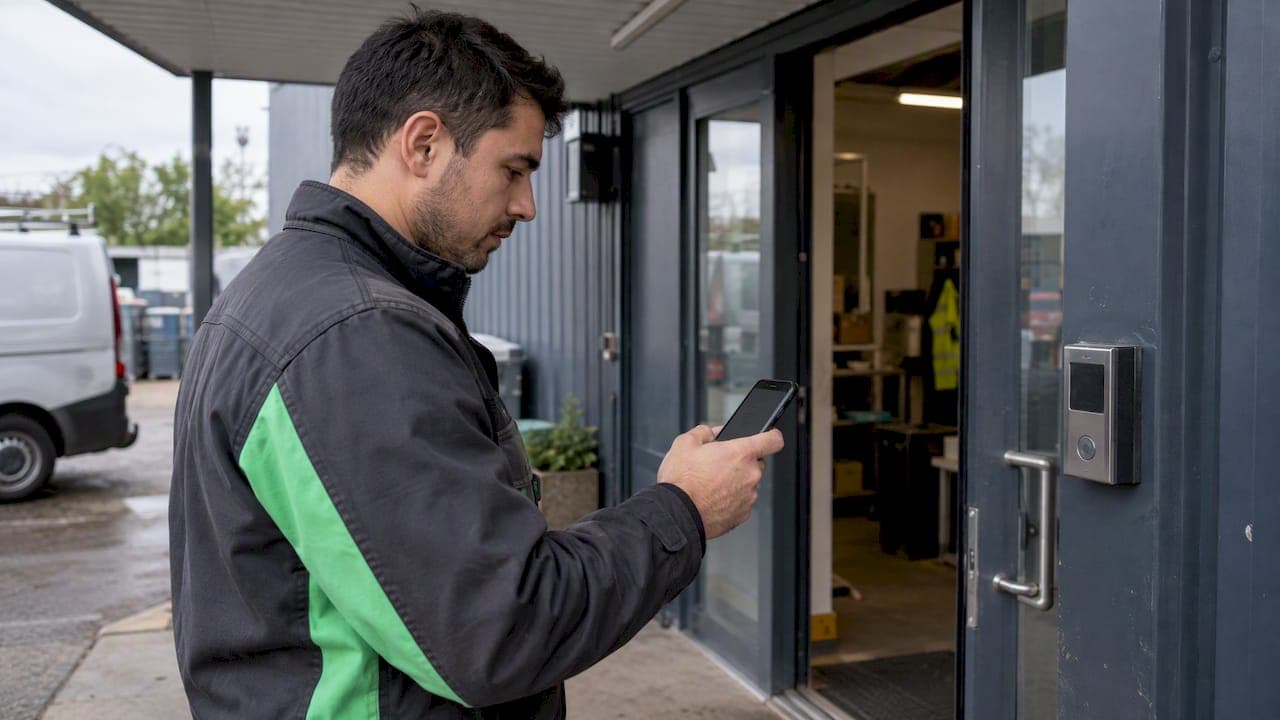
Smartphone GPS clock-ins are often accurate to a few meters outdoors, based on open-sky testing from Cal Poly, but can be tens of meters off in cities or indoors. For audit-grade payroll records, we recommend pairing 50 to 100 meter geofences with stored accuracy metadata and a clear written policy. That combination turns a raw coordinate into a defensible attendance record.
TL;DR:
- Require precise location permissions and high accuracy mode; approximate access can turn a reading accurate to meters into an estimate spanning several kilometers.
- Pilot each geofence during a normal shift, size it for the site, and avoid one boundary spanning indoor and outdoor areas with different signal quality.
- Store each punch’s timestamp, coordinates, accuracy radius, provider, device details, and geofence status; document manager overrides to support later payroll reviews.
- Check a questionable punch’s accuracy radius and provider first; a large radius with wireless or cellular data often signals indoor reception limits.
- Limit location collection to scheduled work hours, explain monitoring clearly, follow state notice and consent rules, and set retention limits and access controls.
Table of Contents
- How GPS accuracy numbers actually work
- What makes GPS readings less reliable on the job
- Device settings that decide whether a punch is trustworthy
- Setting geofence radius so clock-ins hold up
- Reading a location record correctly before payroll
- Staying compliant while tracking location
- What to check when a punch looks wrong
- Why presence verification should never become surveillance
- How we put this into practice
- FAQ
- Sources
How GPS accuracy numbers actually work
A reported accuracy figure is not a guarantee. When a device reports "5 meters," it means the location sits within a 5 meter radius with a defined level of confidence, not that the coordinate is exact. Cal Poly's open-sky field testing found that roughly 90% of positions landed within 3 meters of a known baseline, which shows consumer phones can perform well under clear sky.
Most phones do not rely on raw GPS alone. A Fused Location Provider blends GPS, Wi-Fi, cell towers, and onboard sensors, and the result depends on which sources are actually available at the moment of the punch. Gps confirms that civilian accuracy improves with augmentation systems but still varies by device and environment.
Because of this variability, we recommend storing location coordinates along with reported accuracy and provider metadata with every punch. That context lets payroll and audit teams judge a reading instead of trusting it blindly.

What makes GPS readings less reliable on the job
Several conditions reliably degrade location precision, and recognizing their signature helps you tell a technical glitch from an actual policy violation.
- Urban canyons and signal multipath cause sudden, inconsistent coordinate jumps between consecutive punches at the same location.
- Indoor spaces and dense tree canopy push many systems to fall back on Wi-Fi or cell triangulation, which is far less precise than open-sky GPS.
- Older device models, missing external receivers, and battery-saving modes reduce both how often a location updates and how tight that reading is.
- Permission mode matters more than most managers expect: switching from precise to approximate location can turn a meter-level reading into an estimate spanning several kilometers, according to Android Authority's coverage of Android's location modes.
Spotting these patterns before payroll runs saves a lot of back-and-forth with employees over punches that look suspicious but are really just technical noise.
Device settings that decide whether a punch is trustworthy
Getting accuracy right starts before the first clock-in, at the permission and settings level. Android's developer documentation lays out exactly how these settings interact with precision.
- Require precise location permission (not approximate) on both iOS and Android, and document the exact menu path for each so managers can verify it quickly.
- For simple punch-in and punch-out workflows, foreground precise location is usually enough; continuous verification during a shift needs background precise location with explicit employee consent.
- Set the location request priority to high accuracy rather than balanced power, accepting a small battery trade-off in exchange for tighter readings.
- Build a 30-second verification step, such as a test punch at a known location, that managers can run with a new hire to confirm the device is configured correctly.
Skipping this setup step is the single most common reason a team sees "accuracy" complaints that are really just permission problems.
Setting geofence radius so clock-ins hold up
A geofence is only as good as its fit to real-world conditions. Open-sky sites can support a tighter radius, while urban or mixed indoor-outdoor sites need more room for signal drift.
- Match the radius to the environment: smaller for open parking lots or rural sites, larger for downtown storefronts or multi-floor buildings.
- We build and support 50 to 100 meter geofences as our standard for HR audit-grade GPS verification, a range wide enough to absorb normal drift without losing the ability to confirm presence.
- Pilot any new geofence at a representative site before rolling it out everywhere, then document what you found and publish clear override rules for edge cases.
- Place the geofence center thoughtfully and avoid drawing one zone across a site that mixes indoor and outdoor space, since that split creates wildly different accuracy inside the same boundary.
OnPay's explainer on geofencing for time tracking makes a similar point: a single radius rarely fits every job site, and pairing geofence logic with manager overrides catches the exceptions that pure geometry misses.
Pro Tip: Run your geofence pilot during a normal shift, not a quiet test period, so you capture real interference from other devices and foot traffic.
Reading a location record correctly before payroll
Payroll and audit teams need consistent fields to work from, not a single coordinate. A complete punch record should carry:
- Punch timestamp, latitude and longitude, and the reported accuracy radius in meters.
- Location provider (GPS, Wi-Fi, or cell network) and basic device information, including OS version.
- Geofence status at the time of the punch, plus a manager note whenever an override was applied.
With those fields in place, the decision logic gets simple. Accept punches with a small reported accuracy radius that fall comfortably inside the geofence and line up with the scheduled shift. Flag punches with a large accuracy radius, repeated outlier coordinates, or conflicting provider sources, and route them to a manager for verification or supporting evidence such as a timestamped photo. Keeping a documented workflow for resolving flagged punches, rather than handling each one ad hoc, is what keeps the audit trail clean when a dispute eventually comes up.
Staying compliant while tracking location
Federal law gives limited direct guidance on workplace GPS tracking, so state-level notice and consent requirements, along with a clear written monitoring policy, carry most of the weight. The FTC's 2026 order involving GM and OnStar required affirmative consent, deletion options, and the ability to disable precise geolocation collection, a standard worth mirroring in any employee tracking policy even outside the consumer context it addressed.
In practice, that means limiting location collection strictly to scheduled work hours, never pulling data during off-duty time, and filtering out or disregarding visits to sensitive locations. Our policy guidance on turning GPS into attendance, not surveillance walks through notice, consent, and retention limits in more detail. A written retention schedule and clear access controls round out a defensible program.

What to check when a punch looks wrong
Most accuracy problems resolve with a short, repeatable process rather than guesswork, a method that aligns well with best practices for contractors using verified time tracking to prevent billing disputes Contractors: Stop Billing Disputes with Verified Time Tracking.
- Check the reported accuracy radius and provider first. A large radius paired with a Wi-Fi or cell provider usually points to indoor conditions or a weak signal, not misconduct.
- Ask the employee to confirm device settings and, if needed, submit a timestamped selfie or have a manager directly observe the punch.
- Document every fix and override so repeat issues at the same device or site are easy to spot.
- If several employees show poor accuracy at one location, consider that site needs a repositioned geofence or a different center point rather than treating each case individually.
Pro Tip: Keep a running log of flagged punches by site. A pattern at one location is a geofence problem; scattered issues across sites usually trace back to individual devices.
Why presence verification should never become surveillance
GPS verification exists to prove someone was where the schedule said they'd be, not to score how productive they were once they arrived. We built our 50 to 100 meter geofences and accuracy metadata specifically to make attendance defensible, not to put field teams under a microscope. The Kickidler analysis of geolocation time tracking makes the same case: precision alone doesn't build trust, limiting scope and pairing it with transparent policy does. Piloting a geofence before full rollout and adjusting based on what you learn is what keeps disputes low and keeps your team on your side.
— Heyhive
How we put this into practice
We built our GPS Time Clock around the same principles covered here: verified clock-ins, 50 to 100 meter geofences sized to the site, and payroll-ready hours export that carries accuracy metadata along with every punch. Managers keep override control for the edge cases a geofence alone can't resolve.

- GPS-verified clock-ins paired with geofence status on every punch record.
- Payroll-ready hours export that pulls straight from verified attendance data.
- Manager override workflows for flagged or borderline punches.
If you're evaluating this for a field team, we'd suggest a two-week pilot: set a geofence at one representative site, review the flagged punches, and adjust radius before expanding further. See how Heyhive's Workforce OS handles scheduling, time tracking, and payroll in one place and start a pilot with your own team.
FAQ
How accurate is GPS for employee time clock punches?
In open-sky conditions, consumer smartphones are often accurate to a few meters, but accuracy drops substantially indoors or in dense urban areas. That's why we recommend geofences in the 50 to 100 meter range rather than relying on a tight radius everywhere.
What geofence radius should I use for GPS attendance tracking?
A radius of 50 to 100 meters generally gives enough room to absorb normal GPS drift while still confirming presence at a site, a practice we apply across our GPS clock-in setup. The right number still depends on whether the site is open sky or surrounded by buildings, so piloting before rollout matters.
Does approximate location permission affect clock-in accuracy?
Yes. Switching a device from precise to approximate location can turn a meter-level reading into an estimate spanning multiple kilometers, according to Android's location permission documentation. Requiring precise location is a basic setup step for any location-based time clock.
What should managers do when a GPS punch looks wrong?
Start by checking the reported accuracy radius and location provider, since a large radius tied to Wi-Fi or cell data usually points to indoor conditions rather than a false punch. If the record stays unclear, ask the employee to confirm device settings or provide supporting evidence, and document the resolution for the audit trail, an approach also recommended in guidance on geolocation time tracking compliance.
Is GPS time tracking legal for hourly or field employees?
GPS tracking for work purposes is generally permitted when employers provide clear notice, limit collection to work hours, and follow applicable state consent rules. The FTC's recent enforcement action on geolocation data underscores why consent and retention limits matter, even though it addressed a consumer product rather than workplace tracking directly.
Sources
- Smartphone GPS accuracy testing (Cal Poly)
- Android location permissions and priorities (Android Developer)
- Gps
- Geofencing for time tracking (OnPay)
- FTC order and guidance on geolocation data (FTC)