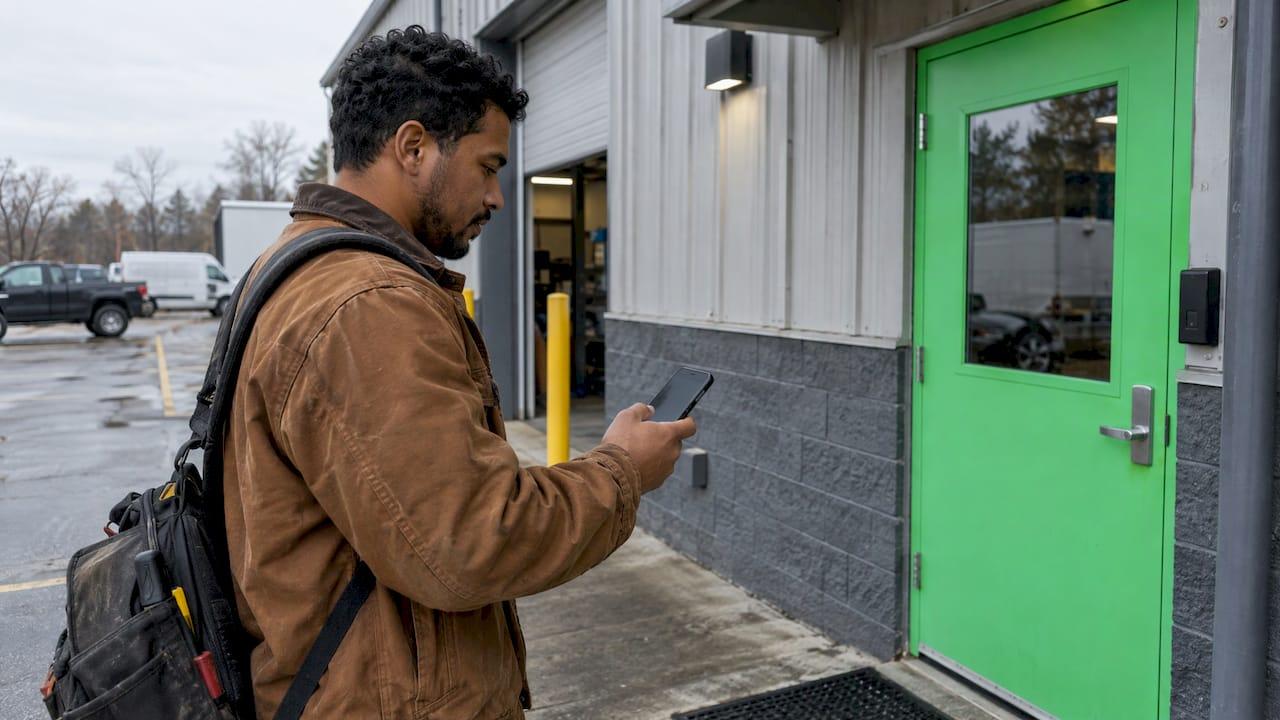
A GPS time clock records where an employee was when they punched in or out. Geofencing adds a rule on top of that location: a virtual boundary around a worksite that decides whether a punch is accepted, flagged or blocked. They are not rivals. Geofencing is a feature that runs on GPS, so the real question is how strictly you want location to control your timecards. For most hourly teams, GPS-verified clock-ins reviewed by a manager give clean payroll hours without turning attendance into surveillance, and that is how we built the Heyhive time clock to work.
TL;DR
- GPS time clock: logs the location of each clock-in and clock-out so you can verify attendance after the fact.
- Geofencing: draws a boundary around a site and acts on it, by allowing, flagging or blocking punches outside the zone.
- Accuracy decides the setup: a smartphone is typically accurate to about 4.9 meters (16 feet) under open sky and worse near buildings and trees, so boundaries need room to breathe.
- Fixed sites vs field crews: a restaurant or store benefits from a tight boundary; mobile and multi-site teams need arrival and departure records across many places.
- Policy matters: federal law does not dictate a timekeeping method, but state rules and notice practices do shape how you track location.
Table of Contents
- GPS time clock vs geofencing in plain terms
- How the two work together at clock-in
- How accurate are GPS clock-ins, really?
- Which one fits your operation
- Block, flag or just log: choosing how strict to be
- The legal and privacy side
- A setup checklist you can use this week
- Perspective: attendance proof, not surveillance
- Where Heyhive fits
- FAQ
- Sources
GPS time clock vs geofencing in plain terms
GPS (Global Positioning System) is the satellite network your employees' phones use to work out where they are. In a time clock, GPS answers one question: where was this person at the moment they tapped "clock in"? The coordinates are stored with the punch, so you can see them on a timecard or map.
Geofencing is a rule built on that location. You set a boundary, usually a circle drawn around an address, and the software compares each punch against it. One legal analysis explains the split this way: geofencing relies on a virtual boundary and entry or exit alerts, while geotracking follows movement in real time. That difference between event-based checks and continuous following is the one that matters most, both for how the tool behaves and for how your team feels about it.
Here is the comparison at a glance.
| GPS time clock (location logging) | Geofenced time clock | |
|---|---|---|
| What it does | Records where each punch happened | Checks each punch against a boundary |
| When it acts | After the fact, during timecard review | At the moment of the punch, or through alerts |
| Typical outcome | A location stamp you can review | Punch accepted, flagged or blocked |
| Best for | Mobile crews, multiple client sites, audit trails | Fixed sites where the work location never changes |
| Main risk | Manager has to review stamps | A boundary that is too tight rejects honest punches |
| Needs GPS | Yes | Yes |
Notice the last row. You never choose geofencing instead of GPS. You choose how much to enforce on top of it.
How the two work together at clock-in
Here is the sequence on a typical punch.
- The employee opens the app and taps clock in.
- The phone reports its position, with an estimate of how precise that reading is.
- The system stores the coordinates and time with the punch.
- If a geofence applies, the system checks whether the position falls inside the boundary.
- The punch goes through, gets flagged for review, or is refused, depending on your settings.
- A manager reviews exceptions and approves hours for payroll.
Step 6 is where most of the value sits. A location stamp or a geofence result is evidence, not a verdict. A phone that reports a spot 80 meters off is usually a weak signal, not a worker who went to the wrong place. The best setups treat location as a prompt to look, then let a person decide.
How accurate are GPS clock-ins, really?
Accuracy is the most practical difference between a boundary that works and one that drives your crew crazy.
The official U.S. government GPS site says GPS-enabled smartphones are typically accurate to within 4.9 meters (16 feet) under open sky, and worse near buildings, bridges and trees. That is the best case. Inside a mall, a parking garage or a dense downtown block, expect more drift.

Timing is the second issue. A study of geofence alerts in forested work areas measured alert delays from 5.33 seconds early to 66 seconds late, with a mean delay of 18.62 seconds. It also found that terrain and line-of-sight obstructions affected the results. That was a forest, not a strip mall, but the lesson carries over: location signals are good, not perfect, and environment changes the outcome.
What this means for your setup:
- Do not draw the fence at the building's edge. A boundary tighter than the typical error will reject people standing at the door.
- Make the boundary fit the site. A food truck lot, a warehouse with a big yard and a downtown storefront need different sizes.
- Plan for a manual path. When a punch fails, the employee needs a way to clock in with a note, and you need a way to approve it.
- Keep the accuracy reading with the punch. A stamp that says how precise it was is far easier to defend in a payroll dispute than a bare pin on a map.
If you want to go deeper on boundary sizes, our guide on GPS time clock accuracy and geofence records covers it step by step.
Which one fits your operation
Restaurants and single-location shops
Your team arrives at the same address every shift. A geofence is a natural fit: it stops punches from the parking lot of a different business or from home, and it cuts buddy punching without anyone standing at a terminal. Set the boundary generously enough to cover the lot, back entrance and break area. Your shifts also change week to week, so the time clock needs to sit next to the schedule, not in a separate tool.
Retail managers with multiple locations
Each store gets its own boundary, and employees who cover other stores need to clock in at any of them. A rigid one-site rule creates exceptions every week. Location stamps plus a manager review of mismatches usually give you the control you need with fewer headaches. You can read more in our overview of geofencing time clocks for hourly teams.
Field teams, contractors and service crews
Crews move between client homes, job sites and yards. Fixed boundaries multiply: every new job needs a new fence, and a late-arriving address can block a punch. For these teams, what you want is proof of arrival and departure at each stop. That means location stamps at clock-in and clock-out, a clear record per job, and exceptions for you to review. Our piece on field operations GPS that proves attendance shows what that record looks like.
Quick decision guide
| Your situation | Start with |
|---|---|
| One site, frequent early or off-site punches | Geofence with a generous boundary, flag instead of block |
| Several fixed sites, shared staff | Location stamps for every punch, geofence per site |
| Mobile crews, changing addresses | Arrival and departure stamps, review exceptions |
| New to location rules | Two-week pilot, review the exceptions, then tighten |
A short pilot helps you pick. Run location stamps for two weeks, look at which punches would have been rejected under a fence, and size the boundary from real data. Our two-week GPS pilot lays out how.
Block, flag or just log: choosing how strict to be
There are three levels of enforcement, and mixing them is common.
- Log only. Every punch carries a location stamp. Nothing is rejected. You review stamps when payroll closes. This is the lowest-friction choice and the right start for most teams.
- Flag. Punches outside the boundary are accepted but marked for review. You keep clean hours without stranding an employee who cannot clock in.
- Block. Punches outside the boundary are refused. This stops remote punching entirely but needs a reliable fallback for honest failures.
Blocking sounds the strictest and looks safest, yet it generates the most corrections. Every blocked punch becomes a message to a manager, a manual edit and sometimes a pay question. Flagging gets you nearly the same protection against time theft with far fewer interruptions.
One related risk is spoofing, where someone fakes a location. Location rules are only as good as the signal behind them, so it helps to read up on GPS spoofing prevention for field time clocks before you rely on any boundary alone.
The legal and privacy side
This is a business-practice overview, not legal advice. If you operate in several states or have a union, ask an employment attorney to review your policy before rollout.
Federal rules do not choose your method. The Department of Labor's recordkeeping fact sheet says employers must record hours worked each day and total hours each workweek, and may use any timekeeping method they choose. A GPS time clock is one acceptable way to do that.
State rules vary. Some states have criminal statutes on tracking devices, especially in vehicles. Consumer Action's location-data guidance notes that state rules differ and that some states require vehicle-owner consent before tracking, with company-owned vehicles treated differently from an employee's personal car. That is why a time clock that tracks the person at the punch is a different thing from a tracker installed on a vehicle. If your plans reach into vehicle tracking, vehicle tracking and insurance gaps is worth a read on how portfolios handle it.
Good practice is consistent. The same Consumer Action report recommends:
- advance notice to employees
- collecting only what a legitimate business purpose requires
- tracking only during working hours
- explaining how the data is used and secured
- getting a written acknowledgment
Those five points double as a policy outline. Event-based checks at clock-in fit them naturally, because they collect location when it is needed and stop afterward. For a fuller template, see our six-step GPS policy for U.S. HR and our primer on GPS privacy at work.
A setup checklist you can use this week
- Write the purpose. One sentence: location is used to verify attendance at clock-in and clock-out.
- Tell the team first. Share the policy before the feature goes live and get acknowledgments.
- Pick the mode. Start with log-only or flag, not block.
- Size boundaries from real readings. Review a couple of weeks of stamps and set the fence with a buffer.
- Create a fallback. Let employees clock in with a note when the signal fails, and set who approves.
- Review exceptions weekly. Treat a flag as a question, not an accusation.
- Export hours for payroll only after approvals are done.
Perspective: attendance proof, not surveillance
We think the geofencing vs GPS question is framed the wrong way round. Teams do not need a stricter fence, they need a time clock they can trust at payroll.
That is why Heyhive pairs GPS-verified clock-ins with manager approval. Location confirms where a punch happened. You decide what to do about the exceptions. Field crews get arrival and departure tracking across mobile and multi-site work, and restaurants and stores get the same clock-in record next to the schedule.
When scheduling, time tracking and payroll-ready hours sit in one interface, an exception is easy to find and easy to fix. There is no spreadsheet to reconcile and no message thread to dig through. You stay in control of every approval.
Heyhive
Heyhive
Where Heyhive fits
If you manage hourly or field employees, Heyhive brings the pieces above into one place. The GPS time clock verifies clock-ins, Field Ops Check-In tracks arrival and departure for mobile and multi-site teams, and AI scheduling builds a full week of shifts in seconds while respecting availability, certifications and overtime limits. You approve shifts before they publish, and approved hours export in a payroll-ready format.
It is a subscription with a free trial, so you can set up your first site and see your own clock-in records. Start with the Heyhive GPS time clock, or see the full platform.
FAQ
What is the difference between GPS and geofencing?
GPS tells you where a phone is. Geofencing is a rule that compares that location to a boundary you draw and then allows, flags or blocks the action. A geofenced time clock therefore always uses GPS, but a GPS time clock does not have to use a geofence.
How accurate are GPS clocks?
GPS-enabled smartphones are typically accurate to about 4.9 meters (16 feet) under open sky, according to the official GPS site. Buildings, trees and terrain reduce that. Size boundaries with a buffer and keep a manual option for failed punches.
What are the downsides of geofencing?
The common issue is a boundary that is too tight, which rejects honest punches when the signal drifts. You avoid it by sizing fences from real readings, flagging instead of blocking at first, and giving employees a way to clock in with a note. Telling your team how location is used also keeps trust high.
Is it legal to use a geofenced time clock?
No federal law names a required timekeeping method, and the Department of Labor lets employers choose any timekeeping method as long as hours are recorded. State rules vary, so give notice, collect location only at work times and have an employment attorney review your policy.
Do field teams need geofencing?
Not necessarily. Crews that move between addresses usually get more from arrival and departure location records per job than from a fixed boundary at every address. Fixed-site teams are the ones that gain most from a boundary.
Sources
- Geofencing and Geotracking: Navigating Legal and Privacy Concerns for Employers
- Real-time positioning in logging: Effects of forest stand characteristics, topography and line-of-sight obstructions (PLOS One)
- Fact Sheet #21: Recordkeeping Requirements under the FLSA (U.S. Department of Labor)
- Location Tracking and Data Collection (Consumer Action)