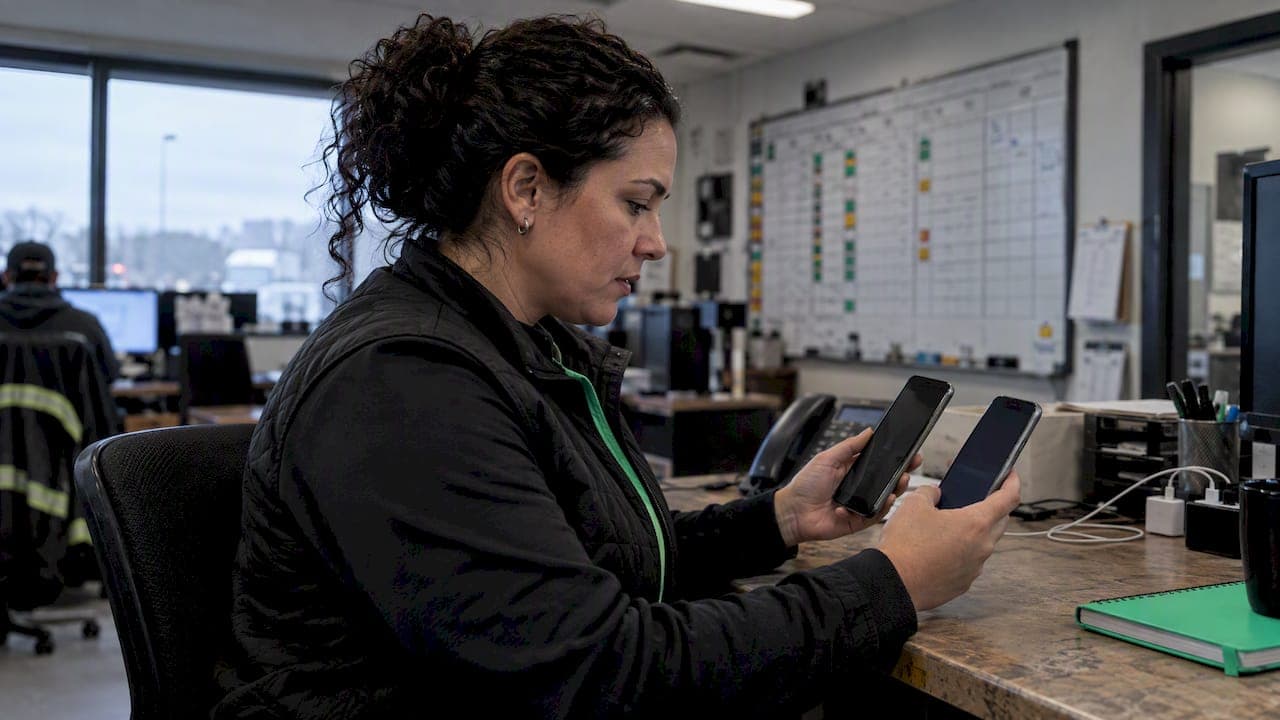
Use push for app-first, cost-sensitive engagement, and use SMS when you need reach or a guaranteed fallback for urgent delivery. Push wins on cost and in-app context; SMS wins on reach and near-instant visibility, since it achieves open rates as high as 98% within three minutes. The right call almost always depends on who you're reaching and how badly the message needs to land. Keep reading for the evidence, then check the Heyhive perspective on operational risk.
TL;DR:
- SMS reaches nearly all phones with cellular service, offers the highest open rates, and is ideal for urgent messages that require immediate attention.
- Push notifications are cost-effective, deliver rich media, and support deep linking into app screens but are limited to opted-in users and can be delayed by platform restrictions.
- Combining push and SMS with a fallback pattern ensures higher reliability for time-sensitive alerts while respecting user consent and avoiding message duplication.
- Internal team communications should avoid relying on personal SMS threads, instead using managed platforms that create an audit trail and enforce proper access controls.
- Turn SMS on for critical alerts like security codes and rapid dispatches, while using push for routine engagement to save costs and enhance user experience.
Table of Contents
- What is a push notification?
- What is SMS?
- Core differences across the dimensions product teams care about
- When to use push notifications vs SMS: a decision guide
- Multi-channel strategies and SMS fallback patterns
- Why SMS creates hidden risk for internal team communication
- FAQ
- Sources
- Primary sources and documentation
What is a push notification?
A push notification is a message delivered through a mobile operating system or browser to a device that already has your app installed or has subscribed to web push. Apple handles delivery through APNs, Android through FCM, and browsers through their own web push protocols. No message reaches a device without that prior install or subscription step, which caps your reach to your existing user base.

Platform behavior adds another layer of complexity. Android devices in Doze mode or battery-saving states can delay delivery, and FCM applies quotas, collapsible message limits, and priority tiers that determine whether a message arrives instantly or gets held back.
Push notifications give product teams a few clear advantages:
- They require an app install or subscription, so reach is limited to opted-in users.
- Delivery depends on platform rules: APNs, FCM, and web push each throttle differently.
- High-priority messages can wake a device, but overusing that priority tier risks deprioritization.
- Measurement ties directly to in-app events, so you can track opens, taps, and downstream actions.
What is SMS?
SMS travels over carrier networks instead of the internet, so it reaches any phone with cellular service, no app, account, or internet connection required. That's why it functions as the default fallback when you can't count on a user having your app open, or having your app at all.
The format comes with real constraints. Standard SMS caps out around 160 characters, and anything with images or video needs MMS, which carriers handle less consistently. Carriers also throttle bulk sends and apply their own filtering, which can delay delivery during high-volume campaigns.
Cost is the other defining feature. Where push is effectively free per message, SMS carries a per-message carrier fee, which adds up fast at scale.
- SMS requires only a phone number and carrier service, not an app or internet connection.
- Message length is capped near 160 characters, with MMS needed for media.
- Each message carries a per-message cost, unlike push notifications.
- Measurement is limited to delivery and read receipts, plus whatever conversion you track downstream.
Core differences across the dimensions product teams care about
Laid side by side, push and SMS trade strengths depending on what you're optimizing for.
| Dimension | Push notifications | SMS |
|---|---|---|
| Requires app | Yes | No |
| Requires internet | Yes | No, cellular network only |
| Potential reach | Limited to opted-in app users | Near-universal phone reach |
| Cost model | No per-message carrier fee | Per-message carrier fee |
| Media and deep linking | Rich media, deep links into app screens | Text only, MMS for media |
| Delivery reliability and latency | Subject to FCM quotas, throttling, Doze mode delays | Fast, often read within minutes |
| Measurement and attribution | In-app events, taps, conversions | Delivery receipts, downstream conversion tracking |
| Compliance and consent | Platform opt-in required | Affirmative consent and opt-out required under FTC rules |
SMS open rates reach as high as 98%, typically within three minutes of delivery. That speed is why SMS remains the standard choice for anything genuinely urgent, even though it costs more per send.
A few takeaways follow directly from the table:
- On reach, SMS wins outright: it needs nothing but a phone number.
- On cost, push wins for any high-frequency or large-audience campaign.
- On rich content and deep linking, push wins because it can drop a user straight into an app screen.
- On reliability under load, SMS tends to win since FCM's quotas and collapsible message limits can delay push during high-volume sends.
- On compliance, both channels carry obligations, but SMS sits under stricter consent and opt-out rules enforced through CAN-SPAM and related FTC guidance.
No single channel wins across every dimension, which is exactly why most teams end up combining push and SMS rather than picking one permanently.
When to use push notifications vs SMS: a decision guide
Before you default to either channel, run through a short checklist: who are you reaching, how urgent is the message, what action do you need, what's the cost per outcome, and how sensitive is the data involved.
Mapped against common scenarios, the choice usually becomes obvious:
- Transactional alerts (order confirmed, payment received): push first, since the user is already in the app.
- Two-factor authentication codes: SMS, because delivery speed and universal reach matter more than cost.
- Cart recovery reminders: push for app users, SMS only if the user has no app or hasn't opened it in days.
- Time-sensitive offers: push for cost efficiency, with SMS reserved for high-value segments where urgency justifies the fee.
- Operational shift updates: push or a dedicated team messaging channel, since this is internal communication, not customer outreach, and SMS introduces unnecessary cost and risk here.
Pro Tip: Default to push for anything the user can act on inside your app, and reserve SMS for moments where missing the message has a real cost.
Run this quick gut check before building any new notification flow: does the recipient have your app installed, does the message need to work without an internet connection, and would a delay of even a few minutes cause a real problem. Two or three "yes" answers to the last two usually mean SMS.
Multi-channel strategies and SMS fallback patterns
The most reliable pattern combines both channels instead of forcing a choice. Push-first with SMS fallback sends the notification through push, waits a defined window, checks for a delivery or open event, and escalates to SMS only if the push never landed.
Building this well takes a few guardrails:
- Set a clear escalation window, often 5 to 15 minutes, before triggering the SMS fallback.
- Deduplicate sends so a user never gets both messages for the same event.
- Apply frequency caps across channels, not per channel, so a heavy push user doesn't also get flooded with texts.
- Sync opt-outs across both channels immediately, since a user who disables push but stays opted into SMS still expects your system to respect their intent.
Attribution gets trickier in multi-channel flows, since you need to track which channel actually drove the action, not just which one sent first. And every SMS leg of the flow still needs to meet the consent and opt-out standards the FTC requires for commercial messaging.
Why SMS creates hidden risk for internal team communication
Here's the pattern we see constantly in shift-driven businesses: a manager texts a crew lead about a schedule change, that text thread becomes the unofficial record, and six months later nobody can reconstruct who said what when a payroll dispute or a no-show argument comes up. That's the data ownership trap. Operational messages that live in personal SMS threads leave the business with no audit trail, no access control, and no way to retrieve the conversation once an employee leaves.
For anything happening inside your team, that risk isn't worth it:
- Use a managed team messaging tool paired with push notifications for shift changes, schedule approvals, and dispatch updates.
- Reserve SMS for external, customer-facing communication or a confirmed fallback when push genuinely can't reach someone.
- Centralize records so a schedule dispute or payroll question can be answered from a documented audit trail instead of a screenshot of someone's phone.
- When you do need SMS for urgent field updates, follow a structured checklist rather than ad hoc texting.
Moving a team off personal texting starts small: pick one recurring message type, like open-shift alerts, and route it through a managed platform instead. The audit trail you build from that one change tends to justify the rest of the migration on its own.
— Heyhive
FAQ
What are the downsides of push notifications?
Push notifications only reach users who already have your app installed and have opted in, which caps your audience compared to SMS. Delivery can also be delayed by platform throttling, quotas, and battery-saving modes, so they aren't guaranteed for time-critical messages.
Should I have SMS on or off?
Keep SMS on for anything time-sensitive, like security codes or urgent alerts, since it reaches a phone without needing an app or internet connection. Turn to push first for routine engagement, since it costs less and ties directly into your app experience.
Is a push notification the same thing as a text message?
No. A push notification is delivered through an app or browser using a system like APNs or FCM, while SMS travels over the cellular carrier network and needs no app at all.
Should push notifications be on or off?
Leave push notifications on for apps you use regularly, since they're generally free to the user and surface timely updates without the cost of a text. Turn them off selectively for apps that send low-value alerts rather than disabling the channel entirely.
Sources
- Push notifications vs. SMS
- Push Notifications vs SMS: Differences, Costs, and Best Use Cases
- FCM throttling and quotas
- CAN-SPAM Act Compliance Guide for Business
Primary sources and documentation
These sources back the figures and platform behavior referenced above: Mailchimp's push vs SMS comparison for open rate and cost data, Messageflow's analysis for multi-channel strategy, Firebase's FCM throttling docs for platform limits, and the FTC's CAN-SPAM guide for compliance requirements.