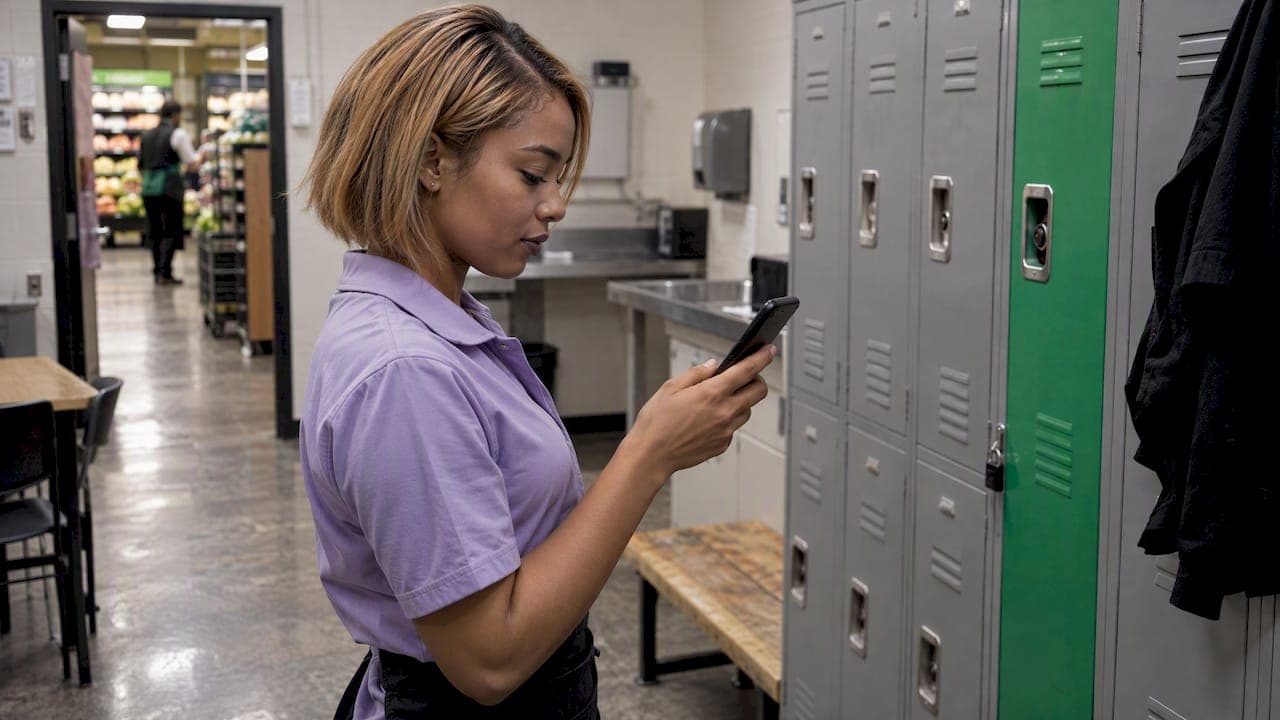
An SMS shift reminder is a short text sent to an employee before a scheduled shift. It confirms the date, time and location, and it gives the employee an easy way to reply. It can help reduce no-shows and late arrivals. The setup that works is simple: get opt-in consent first, send a confirmation about 48 hours out, follow up at 24 and 4 hours only if there is no reply, and keep every message short enough to read in five seconds.
This guide walks through each step, with message templates, timing, US consent rules and a plan for urgent changes. It also shows where a scheduling platform takes the manual work out of the process.
TL;DR
- Get written opt-in consent during onboarding. Under the TCPA, non-emergency autodialed texts to cell phones need prior express consent, and employees can revoke it at any time.
- Send a confirmation 48 hours before the shift. Add reminders at 24 hours and 4 hours only for people who have not replied.
- Include the date, start and end time, location and a clear reply option such as CONFIRM. Aim for under 160 characters.
- Save texts for essential events: new schedules, reminders, changes and open shifts. Too many messages lead to fatigue and opt-outs.
- Connect reminders to your schedule so they fire automatically. Retyping shifts into a texting app creates errors.
Table of Contents
- What an SMS shift reminder should say
- When to send reminders, and how many
- Set up automated SMS reminders in six steps
- US texting rules: consent, opt-out and number registration
- Make reminders useful without overwhelming people
- Handle urgent changes and open shifts
- The case for connecting reminders to your schedule
- Perspective: reminders are a symptom, not the cure
- Take the manual work out of shift communication
- A rollout plan for your first month
- Common mistakes to avoid
- FAQ
- Sources
What an SMS shift reminder should say
A reminder has one job: make sure the person is in the right place at the right time. Everything else is noise. Effective shift messages include specific shift details, the location and clear response options such as YES or NO.
A complete reminder carries five things:
- Who it is from. Use your business name so the employee knows it is official.
- The date and day of the week. "Fri 5/8" is faster to read than a full date.
- Start and end time. Both, so people can plan the commute and the rest of their day.
- The location. This matters most for multi-site teams and field crews who may work at a different address each week.
- A reply action. Tell people exactly what to send back.
One more point on length. Keeping a reminder under 160 characters means it goes out as a single message, not a multi-part text that arrives in pieces and annoys the recipient.
Sample messages you can copy
These are templates, so swap in your own details.
48-hour confirmation
Acme Cafe: You're on Fri 5/8, 4-10 PM, Main St. Reply CONFIRM or tell your manager if you can't make it.
24-hour follow-up (only if no reply)
Acme Cafe: Still need your CONFIRM for Fri 5/8, 4-10 PM, Main St. Can't make it? Tell your manager today.
4-hour last call
Acme Cafe: Your shift starts at 4 PM today at Main St. Reply CONFIRM to check in.
Schedule change
Acme Cafe: Your Sat shift moved from 9 AM to 11 AM. Location is unchanged. Reply OK to acknowledge.
Each one names the shift, stays short and asks for one thing. None of them includes pay rates, medical details or anything else personal.
When to send reminders, and how many
Timing is where most teams go wrong. Send one text too early and people forget. Send five and people mute you.
A cadence that holds up well: schedule the first confirmation 48 hours before the shift, then send reminders at 24 hours and 4 hours if the employee has not responded. Those who confirm early never see the second and third texts. The same guidance warns that too many messages lead to worker fatigue and opt-outs.
| Timing | Who gets it | Purpose |
|---|---|---|
| 48 hours before | Everyone scheduled | Confirm attendance, surface conflicts early |
| 24 hours before | Only people who have not replied | Nudge, give time to find cover |
| 4 hours before | Only people who still have not replied | Last check, trigger backup plan |
| Any time, as needed | Affected employees | Schedule changes and urgent updates |
The 48-hour mark matters because it leaves you time to fill a gap. A no-reply at 4 hours is a problem. A no-reply at 48 hours is a to-do item.
Pick the right hours to send
Avoid late-night texts unless something is urgent. Guidance on internal operations texting recommends using consistent sender identities and avoiding late-night messaging unless urgent. A shift that starts at 6 AM does not justify a text at 11 PM. Send the confirmation in the evening or midday of the day two days out, and you stay on the right side of both the employee and common sense.
Set up automated SMS reminders in six steps
Manual texting works for a team of four. It breaks down at fifteen. Automation is built on triggers: configure triggers for scheduling events in your system, and the messages go out without anyone remembering to send them.
- Collect consent. Add SMS opt-in to onboarding paperwork. More on this below.
- Clean your phone data. Confirm each mobile number with the employee. A wrong digit sends a schedule to a stranger.
- Create message templates. Write the four templates above in your own voice and keep them short.
- Define your triggers. Schedule published, 48 hours before, 24 hours before, 4 hours before, shift changed, shift opened.
- Set reply handling. Decide what happens when someone replies CONFIRM, replies NO, or does not reply at all. A "no" should alert a manager immediately.
- Test with your own phone. Send the full sequence to yourself and a colleague before the whole team gets it.
Step five is the one people skip. A reminder that asks for a reply but sends the answer nowhere is worse than no reminder, because it creates false confidence.
US texting rules: consent, opt-out and number registration
Texting employees is business communication, and in the United States it falls under consumer protection law. This is a general overview, not legal advice. Talk to an employment attorney about your specific setup.
Consent comes first
Under the TCPA, prior express consent is required for non-emergency autodialed texts to wireless numbers. The FCC has also reaffirmed that these protections apply to text messages in the same way as voice calls. Handing someone a phone number for HR purposes is not the same as agreeing to automated texts, so get consent in writing.
Good consent practice, collected during onboarding, has these traits:
- It is genuinely voluntary. Do not make it a condition of getting hired or getting shifts.
- It names the types of messages: schedules, reminders, changes, open shifts.
- It states the expected frequency, such as "up to four texts per shift."
- It explains how to opt out.
Keep a record of who agreed, when and to what.
Honor opt-outs fast
Employees can change their mind. Under FCC rules, consumers may revoke consent in any reasonable way at any time. FCC material confirms they may do so by replying with keywords such as STOP, QUIT, END or UNSUBSCRIBE, and businesses must honor the request in a timely manner.
In practice: build a keyword handler, stop texting the number right away, and give that employee another way to see their schedule, such as an app or a posted printout. Opting out of texts must never mean losing access to shifts.
Register your sending number
Business texting from a standard local number is increasingly filtered. Texting guidance for workforce teams says to use registered 10DLC numbers and limit links, punctuation and all caps. Registered numbers help your messages reach phones, and plain text without shouting helps them avoid spam filters.
Keep personal data out of the text
A text sits on a lock screen. Do not put anything sensitive in it. Direct employees to a secure link or official portal when they need full schedule details or documents, and keep the message itself to the shift basics.
Make reminders useful without overwhelming people
The goal is a text people are glad to get. A few rules keep it that way.
- Limit texts to essential events. Schedule published, shift reminder, shift change, open shift. Not announcements, not chatter. Limit texts to essential scheduling events and make every message short, specific and actionable.
- Use one sender. Standardizing sender identity, ideally one number per function, helps employees recognize automated shift messages. Save the number to a contact called "Acme Scheduling" and have your team do the same.
- Use two-way confirmation. The same source notes that two-way confirmation reduces the need for follow-up reminders. Once someone replies, they leave the sequence.
- Keep a consistent tone. Use a consistent brand tone so recipients recognize official communications.
- Skip the extras. No emojis in strings, no all caps, no stacked exclamation points.
Reminders also help beyond your own team. If you text customers about bookings as well, these missed appointment text templates show the same principle at work: short, specific, with one clear next step.
Handle urgent changes and open shifts
Reminders are scheduled. Changes are not. When a shift moves, a location changes or someone calls out, the text should go out immediately and state exactly what changed. For schedule changes, send an immediate alert stating what changed, such as a shift time or location.
A good change alert answers three questions in one line: what was it before, what is it now, and what do I need to do. "Your Sat shift moved from 9 AM to 11 AM. Reply OK." does all three.
Be strict about what counts as urgent. Guidance on urgent shift alerts advises reserving SMS strictly for situations that need immediate attention, with clear internal guidelines for what qualifies. A same-day callout qualifies. A reminder about the break room policy does not.
For open shifts, a short blast to qualified, available staff works better than a message to everyone. Text only people who can legally and practically take the shift: those with the right certification, with hours to spare, and not already scheduled elsewhere.

The case for connecting reminders to your schedule
The weakest point in most SMS reminder setups is the gap between the schedule and the text. Someone builds the schedule in a spreadsheet, someone else copies shifts into a texting tool, and the first edit makes the two disagree. A reminder that says 4 PM when the schedule says 5 PM does more damage than silence.
The fix is to send reminders from the same system that builds the schedule. Then a change to a shift changes the message, and nobody retypes anything.
That is the idea behind how we build Heyhive. AI scheduling generates a full week of shifts in seconds while respecting employee availability, certifications and overtime limits. You review and approve before anything is published, so the schedule your team receives is the one you meant to send. Team messaging keeps shift conversations in one place, and shift swaps and open shifts sit next to the schedule they affect.
If you manage field crews, GPS-verified check-ins add the other half of the loop. The reminder tells people where to be, and the arrival record shows who got there. For absence tracking beyond reminders, our guide to absence management software for shift teams covers what to look for.
Perspective: reminders are a symptom, not the cure
We talk to managers every week who send reminders by hand. They open a spreadsheet, copy a line, paste it into a text, and repeat it for every person on the schedule. It works until the week they are short-staffed, which is exactly the week they have no time to do it.
Our view is that the reminder should be the last step of a good process, not a chore on top of a broken one. Build the schedule once, with availability, certifications and overtime limits already respected. Approve it yourself, so you stay in control. Then let the system carry the schedule to your people and bring back their answers.
That is why we put AI scheduling, team messaging, shift swapping, GPS time clocks and payroll-ready hours in one place. When the schedule is the single source of truth, a reminder cannot contradict it, a swap updates the roster, and the hours that come out the other end are ready for payroll. You are always in control, and the repetitive work stops being your job.
Heyhive
Take the manual work out of shift communication
If you are tired of building schedules in one tool and chasing confirmations in another, Heyhive puts scheduling, messaging, time tracking and payroll-ready hours in a single workspace. You approve each schedule before it goes out, and your team sees changes as they happen.

Start with Heyhive and see how a full week of shifts comes together in seconds.
A rollout plan for your first month
Do not switch everything on at once. A staged rollout gives you time to fix problems while they are small.
Week 1: consent and data. Add SMS opt-in to your onboarding form and send existing staff the same consent request. Verify every mobile number.
Week 2: one reminder. Start with just the 24-hour reminder for one team or location. Watch reply rates and see which messages confuse people.
Week 3: add the full sequence. Add the 48-hour confirmation and the 4-hour follow-up for non-responders. Set up the manager alert for a "no."
Week 4: review. Look at how many people confirmed on the first text, how many needed a second or third, and how many opted out. If opt-outs climb, you are sending too much. If late arrivals fall, keep going.

Track three numbers over time: confirmation rate at 48 hours, no-shows per month and opt-out rate. They tell you whether the system helps or irritates.
Common mistakes to avoid
- Texting before consent. This is the one that creates legal exposure. Get opt-in first.
- Sending the same text to everyone, every time. People who already confirmed should not get the 4-hour reminder.
- Hiding the reply instruction. If CONFIRM is buried at the end of a long sentence, people skip it.
- Putting details in the text that belong in a portal. Keep personal data out and link to a secure page for the rest.
- Ignoring replies. A reply that no one reads teaches employees that replying is pointless.
- Texting late at night for non-urgent matters. It signals that your business has no boundaries.
FAQ
How far in advance should I send an SMS shift reminder?
A common pattern is a confirmation 48 hours before the shift, then reminders at 24 hours and 4 hours for anyone who has not replied. The early confirmation gives you time to find cover. Keep the total number of texts per shift small to avoid fatigue and opt-outs.
Do I need employee permission to text shift reminders?
Yes. In the United States, the TCPA requires prior express consent for non-emergency autodialed texts to wireless numbers, and employees can revoke consent at any time. Collect opt-in during onboarding, explain what messages to expect and how often, and honor STOP replies promptly. For your specific situation, check with an employment attorney.
How long should a shift reminder text be?
Under 160 characters, so it sends as a single message. Include the date, start time, location and one reply instruction such as CONFIRM. Leave out sensitive details and send people to a secure link when they need more.
Should I use SMS or an app for shift reminders?
Many teams use both. Text reaches people who do not open an app, while an app holds the full schedule, swaps and time clock. The key is that both draw from the same schedule, so a change shows up everywhere at once.
Sources
- Send shift reminders via SMS: what a reminder is and what it covers
- 7 steps to send SMS shift scheduling alerts
- FCC: Strengthens consumer protections against unwanted calls and texts (2015)
- FCC: What the Further Notice would do (2024)
- SMS for internal ops: shift reminders and dispatch updates
- Texting guide for workforce management
- Shift reminder SMS: reduce no-shows with automated texts
- How to send automated text messages: examples and best practices
- Missed appointment text templates for small businesses