
Start with two files: an 8-hour continuous coverage template and a 12-hour rotating template built on the DuPont or 2-2-3 pattern. The 12-hour version cuts handoffs and simplifies your staffing math, as explained in a booking system that really saves time, while the 8-hour grid spreads the workload thinner and reduces fatigue per shift. Both come as editable Excel and Google Sheets files, plus a printable 24-hour grid for quick posting. Watch two limits as you build: overtime kicks in after 40 hours in a workweek, and consecutive night shifts need extra recovery time.
TL;DR:
- 12-hour rotation patterns like DuPont or 2-2-3 simplify handoffs but can increase fatigue due to consecutive night shifts and longer work periods.
- Shorter 8-hour shifts require more teams to maintain continuous coverage but help reduce individual fatigue and physical strain.
- Managing overtime effectively involves tracking weekly hours to stay under 40, avoiding long runs of night shifts, and using formulas to flag exceeding hours.
- Templates are suitable for small, predictable teams but become inefficient with complex shift swaps, certifications, and multi-site scheduling.
- AI scheduling platforms like Heyhive automate shift creation, respect certifications and hours, and improve efficiency for larger or more dynamic workforce needs.
Table of Contents
- Curated downloadable templates: what each file solves
- Common 24/7 rotation patterns and the staffing math behind them
- Adapting the template in Excel or Google Sheets step by step
- NIOSH fatigue guidance and FLSA basics every scheduler should apply
- Keep schedules fair, safe, and easy to maintain
- Direct downloads and where else to find templates
- When a template is enough, and when it is not
- A practical next step once templates stop scaling
- Sources
- FAQ
Curated downloadable templates: what each file solves
Each template below solves a different scheduling problem. Pick based on team size, shift length preference, and how far ahead you need to plan.
- 8-hour 24/7 coverage template: Best when you want shorter shifts and lower fatigue per shift. You need a minimum of four teams to run this continuously without gaps.
- 12-hour rotating template (DuPont or 2-2-3 starter): Best for reducing handoffs and simplifying who covers what. Expect an average weekly schedule that balances work and rest days for recovery.
- Printable 24-hour grid: Built for fast deployment on a breakroom wall or with field crews who need a paper backup, with room for manual edits.
- Monthly or long-range planner: Useful for holiday coverage and long-term capacity planning across several pay periods.
Setting up any of these takes the same first steps.
- Copy the template to your own drive so the original stays untouched.
- Set your first day of the week and time zone at the top of the sheet.
- Populate your employee list, including role and certification columns before you assign a single shift.
Template libraries like Smartsheet's shift schedule collection offer ready-made Excel and Google Sheets versions of most of these formats, which makes them a solid starting point if you want to skip building the grid from scratch.
Common 24/7 rotation patterns and the staffing math behind them
Every 24/7 pattern trades fatigue against coverage complexity. Here is how the most common ones stack up.
- DuPont (12-hour, 4-week cycle): Rotates crews through day and night blocks with several days off at the end of the cycle, averaging around 42 hours per week. The long rest blocks help recovery, but the pattern includes runs of consecutive night shifts that raise fatigue risk.
- 2-2-3 (Pitman): Two-week cycles alternate two days on, two off, three on, which keeps every other weekend free. It handles shift swaps cleanly since each team follows an identical repeating block.
- Continental or straight 8-hour rotation: Needs more teams than a 12-hour pattern but keeps each shift shorter, which lowers per-shift fatigue for workers doing physically demanding tasks.
- 3-on-3-off and 4-on-4-off: Both give predictable recovery windows, though 4-on-4-off stretches the working block longer before a rest period kicks in.
These patterns and their trade-offs are common enough that comparison tools built around them treat 12-hour rotations as simpler to manage but heavier on consecutive night exposure, and 8-hour rotations as easier on recovery but harder on team count.
Here is the staffing math in practice. To cover one role around the clock with 8-hour shifts without overlap, you need multiple shifts a day and enough teams to cover them while allowing rest days; similarly, 12-hour patterns require fewer shifts per day but maintain adequate team size to cover all shifts and rotations.
Adapting the template in Excel or Google Sheets step by step
A downloaded template only becomes a working schedule once it reflects your actual team. Here is the fastest path from blank grid to usable roster.
- Copy the file to your drive and lock in your week-start day and time zone before adding any names.
- Build a staff table with name, role, maximum weekly hours, and a certification flag column, then use data validation dropdowns so shift assignments only pull from valid staff.
- Use SUMIFS to total hours worked per person across the week and apply conditional formatting to flag anyone approaching 40 hours or a coverage gap.
- Add a simple overtime flag formula that highlights any total above 40 hours, and build a separate export-ready column formatted for your payroll system.
- For multi-site operations, Google Sheets' IMPORTRANGE function pulls schedules from separate site sheets into one master view, while Microsoft Teams Shifts offers built-in scheduling and export features for teams already working inside Microsoft 365.
For more on limiting overtime exposure once your hours columns are live, see how to prevent unnecessary overtime.
Pro Tip: Keep one sheet as your roster master and a second as a clean payroll export using SUMIFS or INDEX/MATCH, so a formatting change on one never breaks the other.
NIOSH fatigue guidance and FLSA basics every scheduler should apply
Federal rest requirements do not exist for scheduling. The Department of Labor confirms the FLSA governs overtime pay, not shift length or required rest between shifts; it requires overtime pay only for hours worked beyond 40 in a defined workweek. That means a manager can legally schedule back-to-back closing and opening shifts unless state law or internal policy says otherwise.
Fatigue guidance fills that gap. NIOSH recommends scheduling that allows at least about 10 consecutive hours off duty between shifts, and considers five 8-hour shifts or four 10-hour shifts per week generally tolerable, while 12-hour shifts call for more frequent rest days to offset the longer stretch.

A CDC and NIOSH review of shiftwork research links night and long shifts to reduced sleep and higher rates of injury and error, reinforcing why fatigue management belongs in the schedule design itself, not as an afterthought.
Your practical checklist: track weekly hours against the 40-hour overtime threshold, avoid long runs of consecutive night shifts, and document every schedule change so disputes have a paper trail.
Keep schedules fair, safe, and easy to maintain
A few habits separate a schedule that runs itself from one that generates weekly complaints.
- Build from minimum-staff math first, then add backup coverage for predictable peaks like weekends or holidays.
- Favor forward-rotating schedules (day to evening to night) over backward rotation, and limit consecutive night shifts where the pattern allows.
- Communicate every change as soon as it happens, and set clear rules for who can claim an open shift or swap.
- Keep one master schedule under version control, and ask staff for feedback on rotations before locking in a long-term pattern.
Pro Tip: A five-minute check of who worked the most closing-to-opening turnarounds last month often reveals your biggest fatigue risk before it becomes a callout. For more on filling gaps without last-minute scrambling, see how to fill open shifts faster.
Direct downloads and where else to find templates
This article's companion files cover the four formats managers ask for the most.
- 8-hour 24/7 coverage template (Excel)
- 12-hour rotating template built on 2-2-3 or DuPont (Google Sheets)
- Printable 24-hour grid (PDF)
- Monthly long-range planner (Excel)
After downloading, import into your preferred tool, set your week start, and populate your staff table before assigning a single shift.
When a template is enough, and when it is not
Templates work well for small teams running a predictable rotation with few certifications to track. The math gets harder once you juggle shift swaps, certification requirements, and overtime limits across multiple sites at once. That is the point where manual spreadsheets start costing more time than they save, and where automated scheduling that respects availability and hour caps starts to pay for itself.
— Heyhive
A practical next step once templates stop scaling
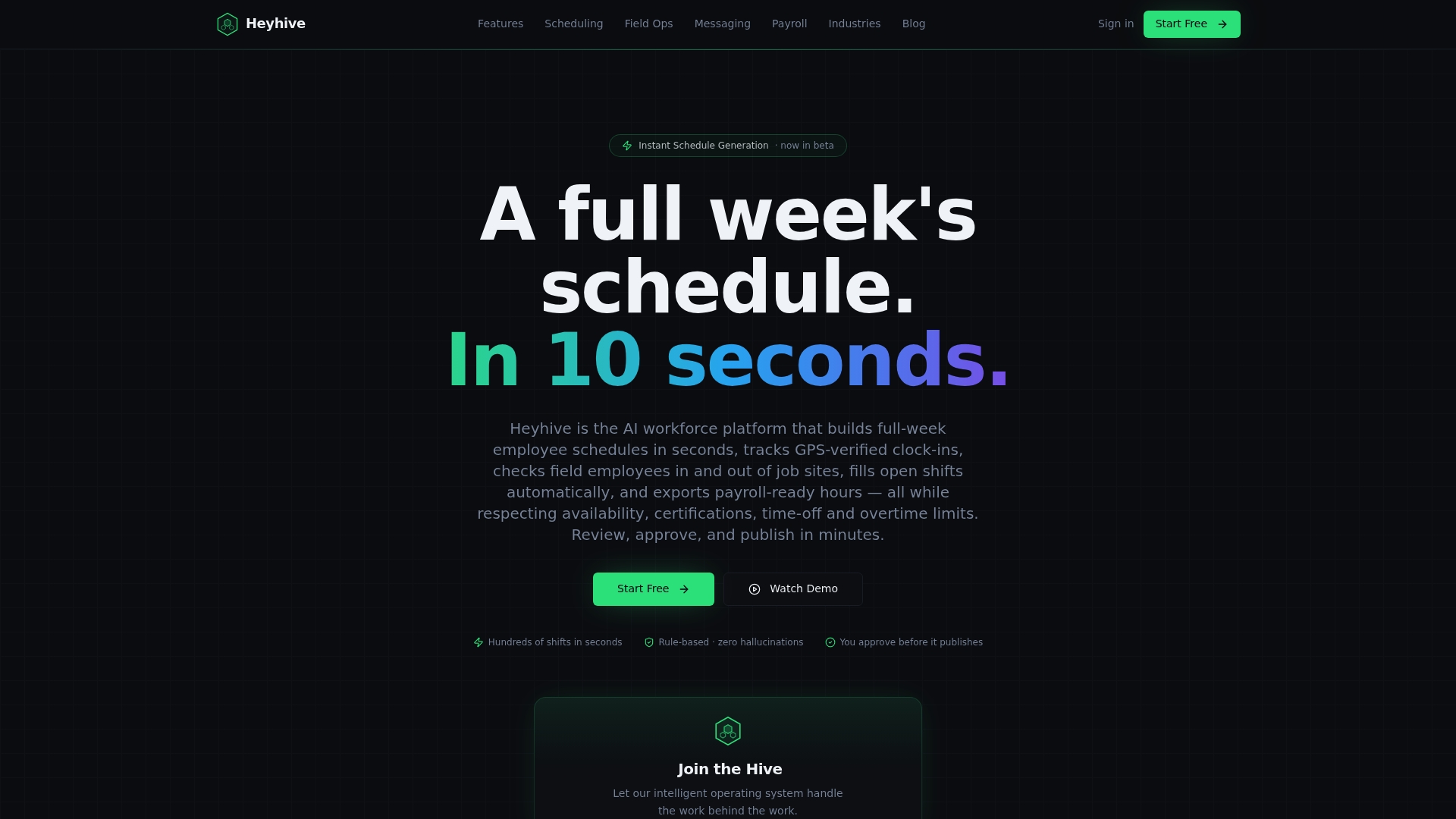
Spreadsheets get you through the first version of a 24/7 schedule. Heyhive picks up where the manual work gets tedious: AI Scheduling builds a full week of shifts in seconds while respecting availability, certifications, and overtime limits, and you still approve every shift before it publishes. Paired with GPS Time Clock for verified clock-ins and Payroll-Ready Hours for export, it turns the same grid you have been maintaining by hand into something that updates itself.
Consider trying an AI-powered workforce platform when your coverage involves multiple certifications, frequent swaps, or schedule churn that eats into your week. Visit the Heyhive product page to see AI Scheduling, GPS Time Clock, and the rest of the Workforce OS in action.

Sources
The overtime rules referenced in this article come from the Department of Labor's overtime pay guidance and its Fact Sheet #23 on FLSA overtime requirements. Fatigue and rest recommendations draw on NIOSH's safe work schedules guidance and the CDC and NIOSH review of shiftwork health effects. For deeper reading on rotation design, see rotating shift schedules and templates and FLSA overtime rules for employers.
- Wages — Overtime pay | U.S. Department of Labor
- NIOSH — Safe Work Schedules and Fatigue
- Negative Impacts of Shiftwork and Long Work Hours (CDC/NIOSH review)
FAQ
What is the best shift pattern for 24/7 operations?
There is no single best pattern; it depends on team size and fatigue tolerance. The DuPont and 2-2-3 patterns reduce handoffs and work well for larger teams, while an 8-hour Continental rotation needs more staff but lowers fatigue per shift.
How do I make a 24-hour shift schedule?
Start with a template that matches your preferred shift length, either 8-hour or 12-hour blocks, then build a staff table with roles and maximum hours. Assign shifts to cover all three or two daily blocks depending on shift length, checking that no one crosses 40 hours in a workweek under FLSA overtime rules.
Where can I find free shift schedule templates?
Template libraries such as Smartsheet offer free downloadable Excel and Google Sheets versions for weekly, monthly, 8-hour, and 12-hour schedules. Most are ready to copy into your own drive and customize immediately.
How can I build a 24/7 shift roster using Excel automation?
Use SUMIFS to total each employee's weekly hours and conditional formatting to flag overtime or coverage gaps automatically. For multi-site rosters, Google Sheets' IMPORTRANGE function or Microsoft Teams Shifts can pull separate schedules into one master view without manual copying.