
Building fair, accurate, and efficient employee schedules drains manager time and causes payroll headaches. Most employee scheduling software either locks key features behind higher cost tiers or forces managers to patch together separate apps for payroll and compliance. This comparison covers automation, pricing, and workflow control across six alternatives so you can match one to your team's operations.
Table of Contents
Heyhive
At a Glance
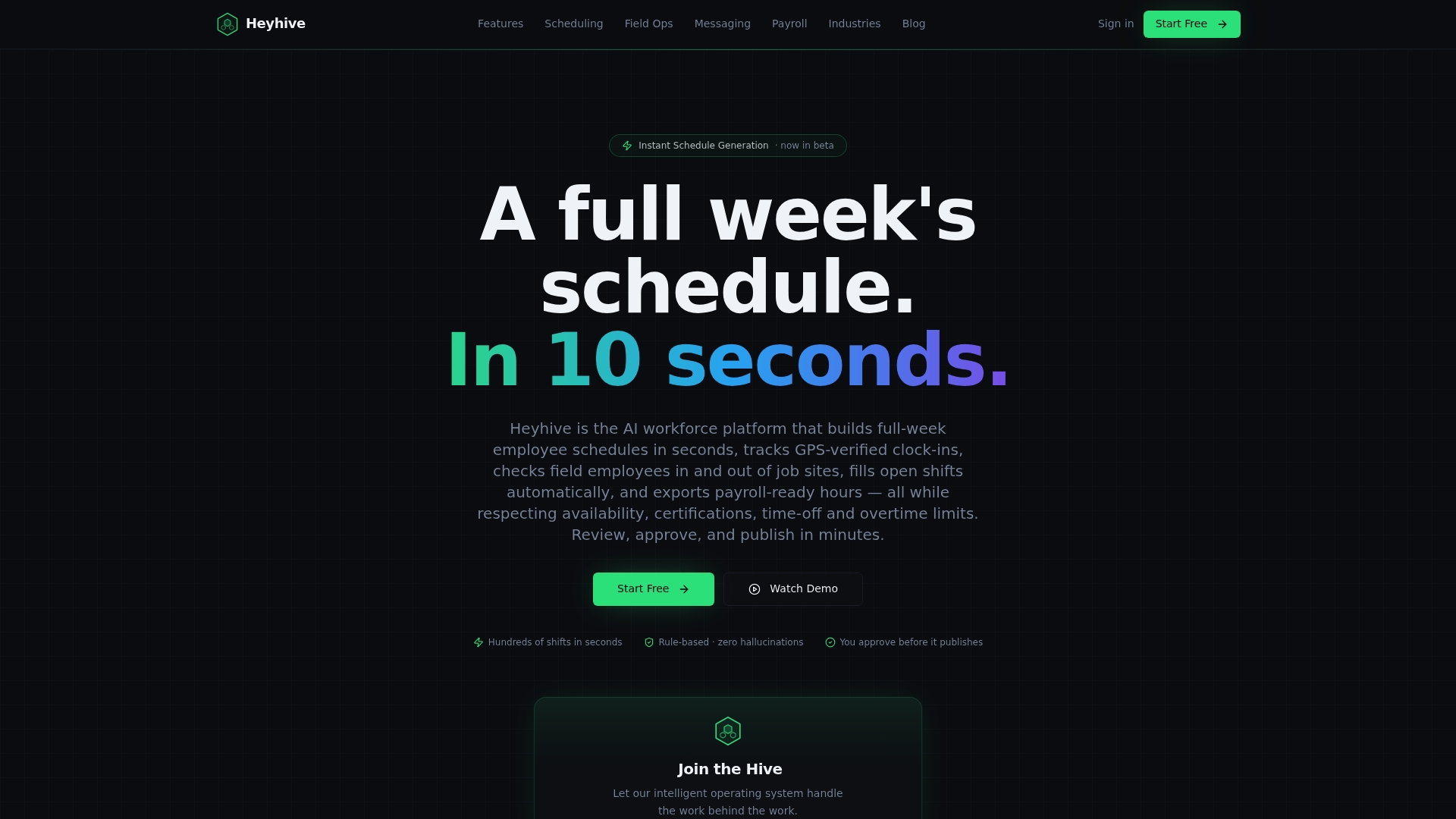
Generates full weekly schedules in seconds while enforcing employee availability, roles, and overtime limits. The scheduler builds shifts that respect certifications and real-time constraints. Managers preview and approve AI recommendations before publication to keep final control.
Core Features
Heyhive uses AI-built weekly scheduling that enforces availability, roles, and overtime caps while producing complete weeks of shifts quickly. The platform includes a manager review and approval workflow, real-time staffing insights, and forecasting for sales and labor targets. Mobile features include GPS-verified clock-in and field check-in with proof-of-visit tracking, plus payroll-ready hour exports and team messaging.
Key Differentiator
The standout capability is its ability to produce a full week of shifts in seconds while honoring real-time workforce constraints and requiring manager approval. That makes schedule generation a deterministic step rather than a manual guessing exercise. The combination of automated proposals plus human sign-off reduces scheduling cycles and keeps managers in control.
Pros
Heyhive saves managers time by automating complex scheduling tasks and producing ready-to-review weekly rosters. The scheduler enforces availability, roles, and overtime limits, which reduces shift errors and compliance risk. Built-in operational insights and forecasting help you spot understaffing before it happens. GPS clock-ins and field check-ins improve accuracy for mobile teams and cut disputes about location and hours. Centralized messaging replaces personal texts and keeps shift communications on one platform.
Cons
- AI scheduling recommendations should be reviewed carefully for accuracy in complex scenarios.
Who It's For
Managers and operations staff at restaurants, retail locations, and service teams who run shift-based work. Teams that need to manage mobile employees with GPS check-ins will see particular value. Organizations with many open-shift events or frequent last-minute changes will benefit from faster coverage.
Unique Value Proposition
Managers approve AI-generated weekly schedules before any shift is published. That single workflow reduces the number of manual edits and speeds up coverage for open shifts. As a result, administrative hours drop and payroll exports are clean and ready for processing.
Real World Use Case
A restaurant chain runs weekly schedule generation for multiple locations, then managers review and adjust schedules in minutes. Staff clock in with GPS-verified checks, which simplifies attendance auditing across sites. Shift swaps and notifications run through the app, cutting down on fragmented text threads.
Pricing
Pricing is not publicly listed. The vendor indicates a subscription-based model tailored to business size and operational needs. Contact Heyhive for a custom quote and implementation estimate.
Website: https://useheyhive.com
When I Work
At a Glance
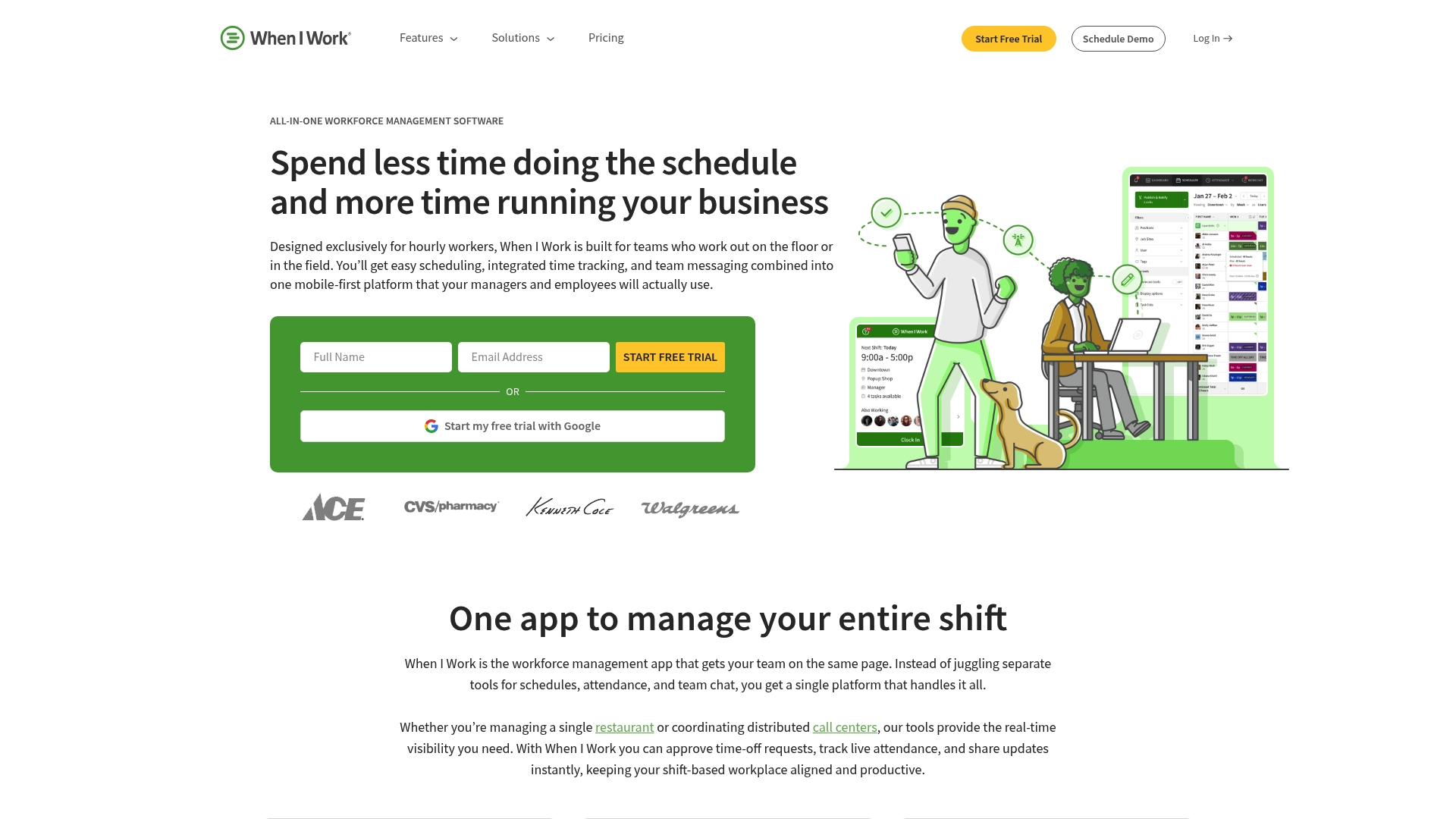
Starting price: $2.50 per user per month for single sites and $5 per user per month for multi site teams, plus a free 14-day trial. The app centers on mobile workflows and combines scheduling, time and attendance, and team messaging. It targets retail, hospitality, healthcare, and manufacturing operations with multiple locations.
Core Features
Shift building and scheduling use templates and auto-scheduling to cut manual work and speed publication. Built-in time and attendance track hours with GPS and geofencing while logging clock ins for payroll. Team messaging sits inside the app, and labor cost plus demand forecasting offer live visibility into staffing needs.
Key Differentiator
A mobile first interface that bundles scheduling, time tracking, and messaging for shift based teams. That package scales from single site stores to multi site operations without adding separate apps. The mobile focus keeps schedule edits and shift notifications in one place.
Pros
When I Work reduces the time managers spend on roster changes and shift swaps by combining scheduling tools and templates into a single workflow. The mobile first interface makes it easy for staff to see shifts, request changes, and receive messages on their phones. Integrations with payroll and POS systems cut double entry when moving hours into payroll, and plans can grow with a business as locations are added.
Cons
- Initial setup can feel slow. Managers report a steeper learning curve as they map schedules and settings.
- The app can experience occasional glitches and syncing issues that require troubleshooting.
- Lower price tiers limit advanced reporting and analytics compared with higher tiers.
- Some core features require extra fees, which raises total cost for fuller functionality.
When It May Not Fit
If you need deep analytics out of the box, the basic plans are not sufficient. Organizations that require guaranteed uninterrupted uptime during peak seasons should plan for occasional troubleshooting. Businesses that want every advanced feature included without add ons will find costs escalate.
Notable Integrations
Connects with payroll systems such as ADP, QuickBooks, and Gusto. It also links to common POS systems and HR platforms to move hours and labor costs between systems.
Who It's For
Managers and owners of shift based businesses seeking an affordable, mobile friendly scheduling tool. Small retailers, restaurants, and clinics that need clear staff messaging and basic forecasting will get the most value. Multi site operators who want one app across locations will also find this a practical match.
Real World Use Case
When I Work's marketing materials state a regional restaurant chain cut scheduling time from hours to minutes while improving shift communication. The chain used templates and messaging to publish schedules faster. Managers reported fewer missed shifts and clearer communication between front of house and back of house.
Pricing
Pricing starts at $2.50 per user per month for single location teams and $5 per user per month for multi site teams, plus a free 14-day trial. Additional features and higher tier plans cost more depending on required reporting and integrations.
Website: https://wheniwork.com
Workforce.com
At a Glance
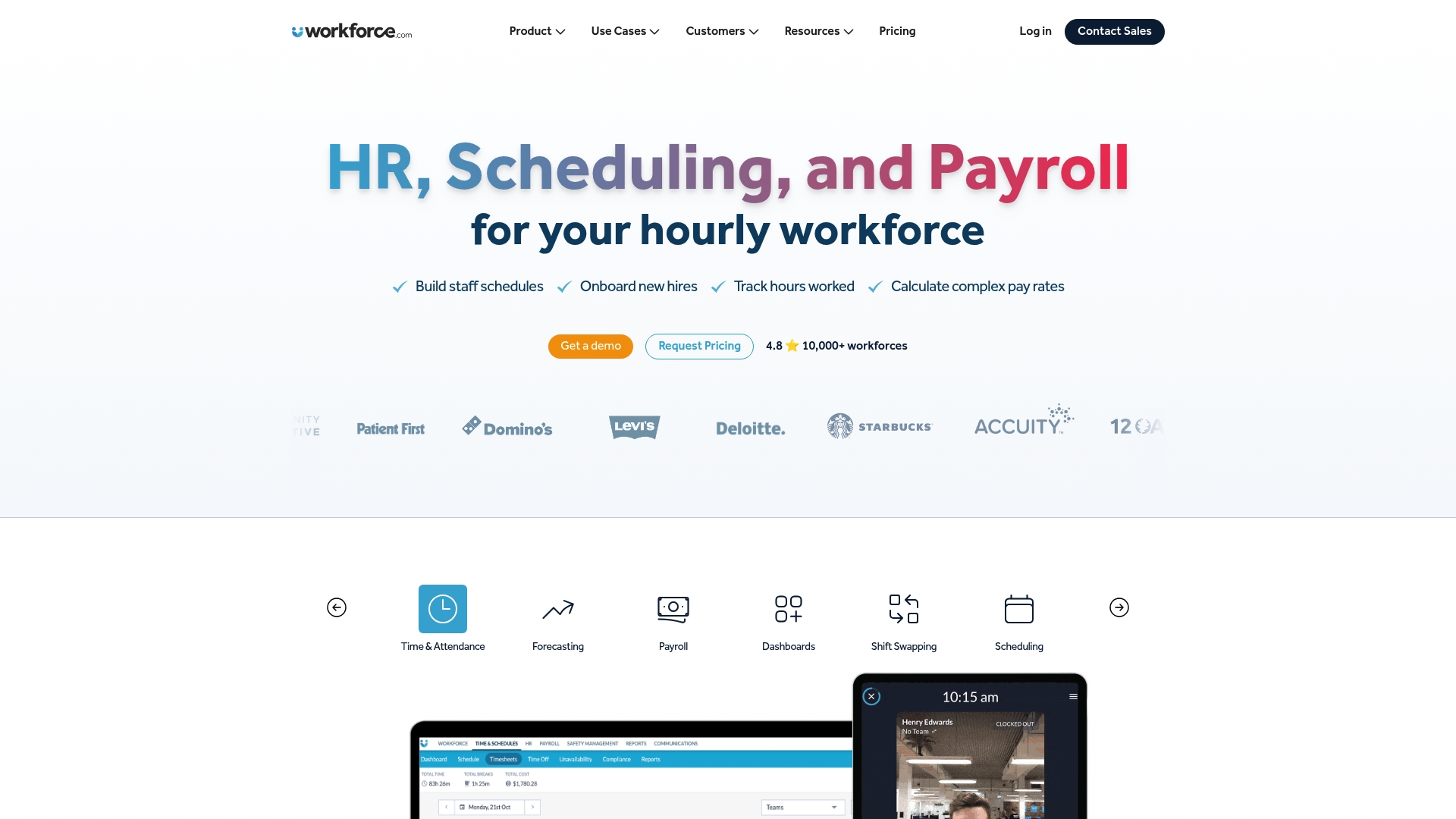
It bundles scheduling, HR, and payroll natively into one system for hourly and shift based workforces. The vendor highlights AI guided labor forecasting that uses sales and foot traffic to predict staffing needs. Managers can run onboarding, time tracking, and pay rate automation from the same interface.
Core Features
Workforce.com centralizes staff scheduling with tools for optimizing coverage and enabling shift swapping and reactive scheduling when staff call out. The platform automates complex pay rate calculations, including overtime and differentials, and keeps employee records in a built in HRIS for onboarding and benefits management. It also offers AI guided labor forecasting to suggest staffing levels based on sales and foot traffic patterns.
Key Differentiator
The platform’s single interface for scheduling, HR, and payroll removes the need to stitch multiple systems together for hourly workforces. That native integration shortens administrative handoffs from hiring to payroll and keeps scheduling rules, certifications, and pay logic in one place. This focus suits organizations that want fewer tools and one place to manage people and pay.
Pros
Workforce.com delivers reliable scheduling and real time coordination tools that handle common frontline needs. Embedded HR and payroll features reduce the number of separate systems managers must open during their shift planning. The vendor positions the product as good value for teams that need forecasting, onboarding, and pay automation all in the same product.
Cons
- Some areas of the interface can feel clunky or unresponsive, which slows routine tasks for busy managers.
- Customization options are limited for complex enterprise workflows, so advanced templating may be difficult.
- Certain payroll or third party systems present integration challenges and may require extra engineering work.
- A learning curve exists for administrators when configuring forecasts and pay rules.
When It May Not Fit
If you need deep workflow customization for enterprise grade processes, this product may feel restrictive. Organizations that depend on a specific payroll vendor might face integration work or extra costs. If a highly polished mobile interface is critical for your frontline teams, usability issues could undermine adoption.
Who It's For
HR managers, payroll coordinators, operations managers, and general managers running shift based or hourly teams will get the most value. Hospitality, retail, and healthcare locations that want scheduling, onboarding, and payroll in a single product match the intended audience. Teams that prefer one vendor rather than assembling multiple point solutions will find this appealing.
Real World Use Case
A restaurant chain consolidated weekly schedules, time clocks, and payroll rules into Workforce.com. Store managers used the forecasting feature to reduce overstaffing on low traffic days. Payroll administrators then applied automated pay differentials and cut manual corrections during payroll runs.
Pricing
Pricing is not published. You must contact the sales team for a tailored quote based on headcount, feature needs, and integrations. Vendors typically price workforce management by seats or modules, so expect a quote that reflects your specific setup.
Website: https://workforce.com
SubItUp
At a Glance
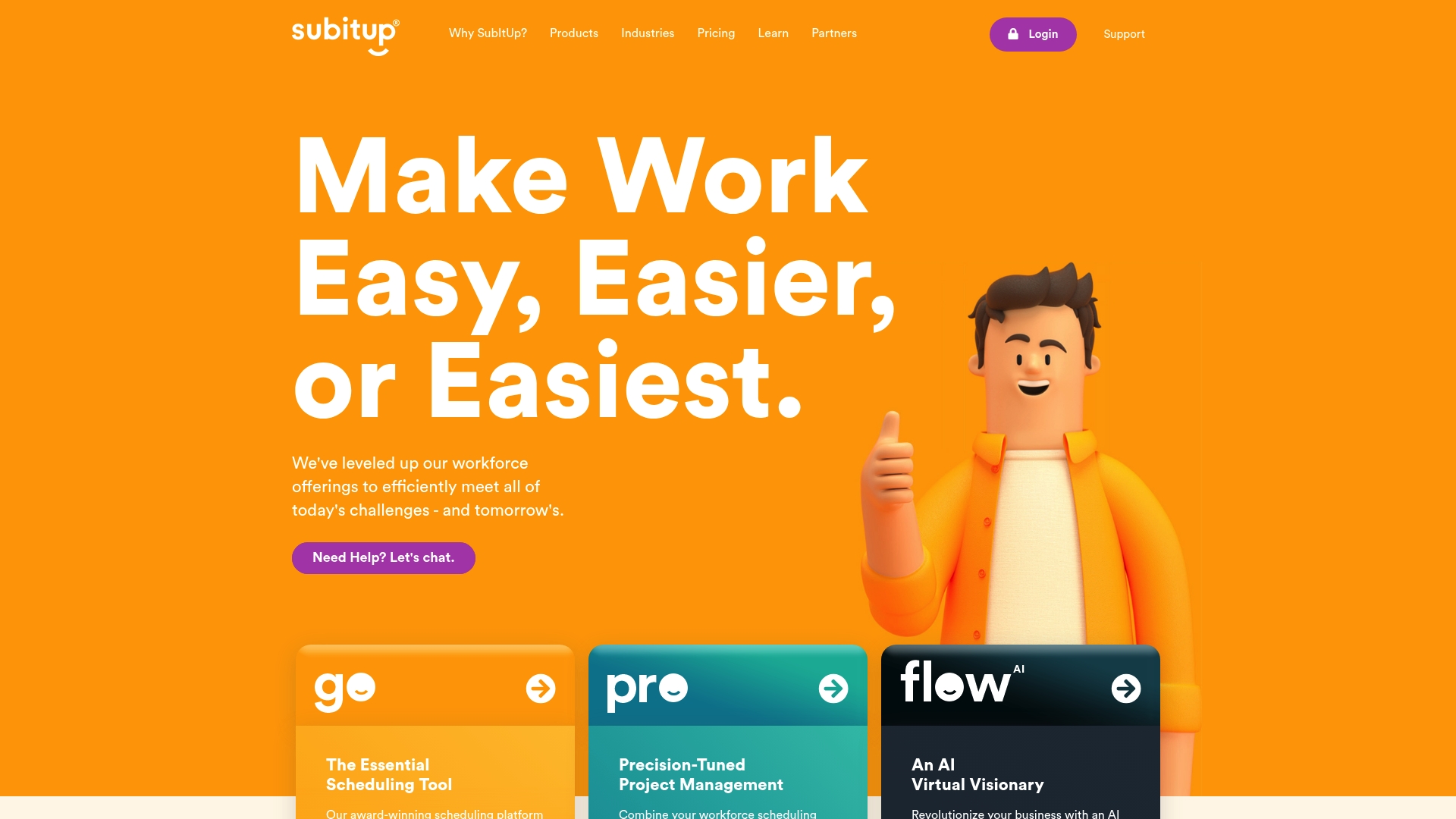
SubItUp reports more than 8,700 organizations trust the platform. The vendor advertises SOC II and ADA compliance for security and accessibility. It combines scheduling, time clock, payroll, communication, and AI features into one configurable system.
Core Features
SubItUp handles workforce scheduling and time management while offering a configurable time clock and payroll tools. The platform includes an employee self-service portal, communication by email and SMS, and AI-powered automation for shift fills and approvals. Administrators can apply industry-specific workflows and connect payroll and HR systems through available integrations.
Key Differentiator
SubItUp's key differentiator is its all-in-one platform that pairs AI-based automation with deep industry customization. That combination lets organizations enforce certifications, apply location rules, and automate shift generation without adding separate modules. The customization options target sectors such as education, healthcare, retail, municipal services, and events.
Pros
Employees gain control through a robust self-service portal for time off, shift swaps, and timesheet completion. Administrators get advanced time clock configurations, payroll budgeting tools, and broad industry and location settings that reduce manual tasks. The vendor offers dedicated support and training, which helps teams adopt advanced features and shorten the learning curve.
Cons
-
Dashboard and admin interface are less intuitive for some managers. That can slow daily schedule edits.
-
Troubleshooting timesheet errors can be time-consuming and may affect payroll processing. Expect additional admin time for rare edge cases.
-
Advanced configuration requires training and may extend deployment timelines. Smaller teams with no training bandwidth will feel this.
When It May Not Fit
Small teams that need a plug-and-play scheduler with zero setup time should look elsewhere. Organizations without training resources or an implementation lead may find the learning curve too steep. Teams that prioritize an ultra-simple manager UI over customization will likely be frustrated.
Who It's For
Mid-sized to large organizations across education, healthcare, retail, municipal services, and event venues that need a flexible workforce system. Managers who require payroll and HR integrations alongside scheduling will find the platform useful. Teams that plan to use self-service and automation to reduce recurring administrative work are a good fit.
Real World Use Case
A university uses SubItUp to manage campus facilities, schedule student workers, track time, and process payroll. Staff swap shifts and managers approve schedules faster with automated suggestions. The setup enables real-time adjustments, reduces administrative overhead, and improves staff satisfaction.
Pricing
Pricing starts at $0.00 per employee/month for basic plans and scales with tiered options. Vendor materials list higher-tier pricing near $5.08 per employee/month for premium features that include full compliance and global support.
Website: https://subitup.com
SocialSchedules
At a Glance
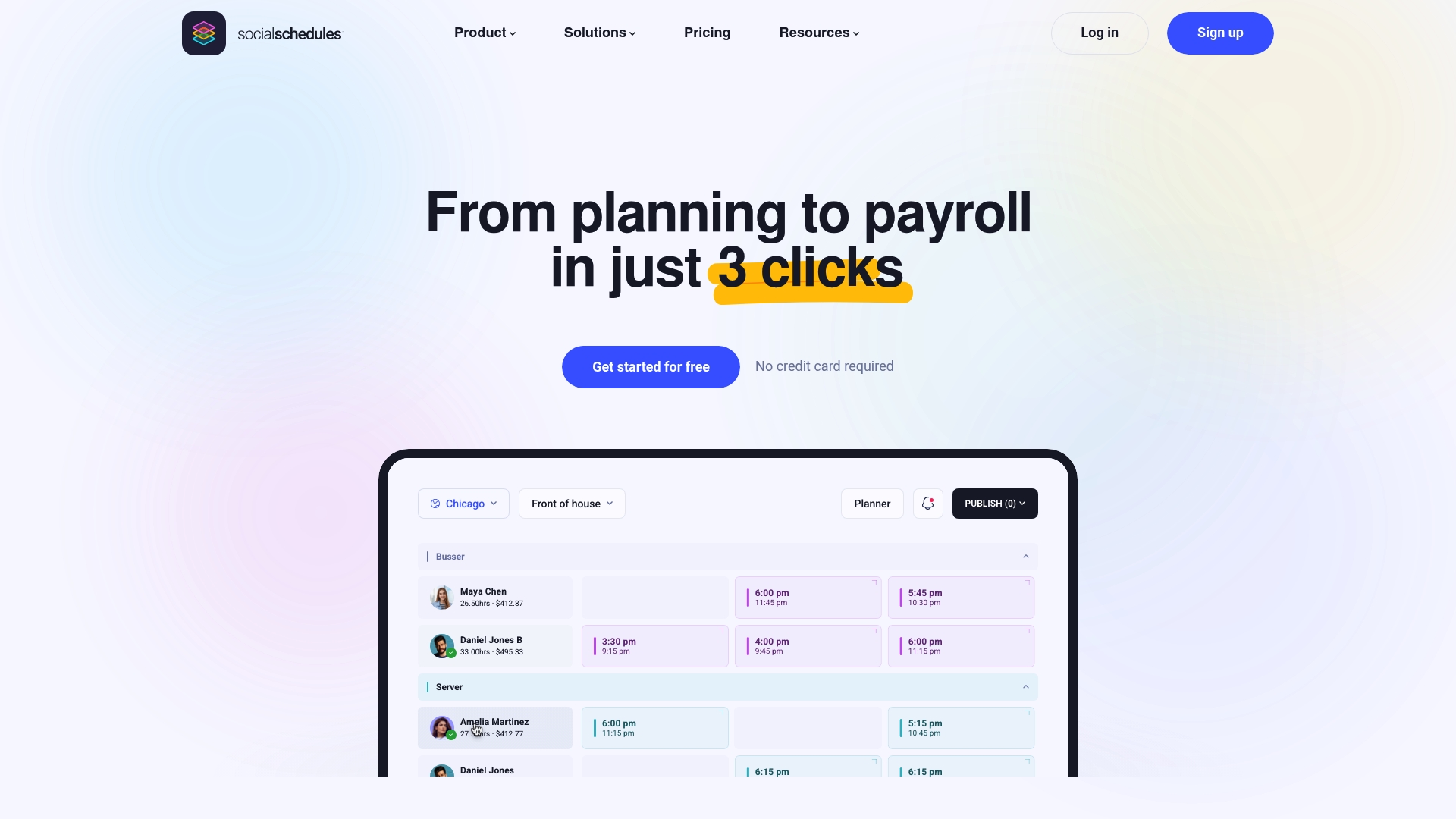
Free for small teams is available, with paid plans at $15.99 and $39.99 per month per location. SocialSchedules combines scheduling, time tracking, payroll, tips, and labor compliance in one platform. The product highlights real time analytics and built in POS integration for labor reporting and payroll accuracy.
Core Features
SocialSchedules handles employee scheduling with templates and visible availability, and time tracking with multiple clock in methods and an audit trail. It also provides automatic labor law alerts, in app messaging and logbooks, tip management and payroll that flows from scheduled shifts to pay runs.
Key Differentiator
The product focuses on automation across scheduling, compliance, time tracking, and payroll while surfacing real time analytics for managers. It also emphasizes POS integration to tie sales to labor reporting. That focus suits hospitality and retail operations that need sales aware staffing decisions rather than broader workforce experimentation.
Pros
Real time labor data analytics paired with POS integration helps managers align schedules to expected sales and control labor costs. Automated compliance alerts and schedule driven payroll reduce repetitive admin and shorten payroll reconciliation. Flexible modules for tips and on demand wages plus mobile apps keep managers and staff connected on shift changes and pay questions.
Cons
- Occasional software glitches can interrupt scheduling or clock ins and require restarting the app or contacting support.
- Automated compliance flagging may miss complex local rules, so managers must verify flagged exceptions manually.
- Compliance settings sometimes fail to update correctly and require administrative intervention to correct rules.
When It May Not Fit
If your operation cannot tolerate any downtime, SocialSchedules may not fit because glitches have been reported to affect continuous operation. If you need fully automated handling of complex, multi jurisdiction labor laws without manual checks, this product may require extra oversight. If you prefer a payroll package included in base pricing, modular add ons for payroll and advanced features may not match your budget.
Who It's For
Managers and HR leaders at restaurants, hotels, retail stores, and service locations will get the most from SocialSchedules. You need a tool that links POS sales to staffing and provides mobile clock ins for hourly teams. The product suits locations looking for integrated payroll, tip management, and compliance tools.
Real World Use Case
A restaurant uses SocialSchedules to build weekly rosters using templates and to track employee clock ins via mobile devices. The system flags overtime and applies tip distribution rules, then pushes shift data into payroll modules for pay runs. Managers review analytics and adjust staffing before busy service periods.
Pricing
A free tier supports small teams, and paid plans start at $15.99 and $39.99 per month per location. Advanced modules such as payroll and certain financial features cost extra. Pricing is tiered by location and by which modules you add.
Website: https://socialschedules.com
Shiftboard
At a Glance
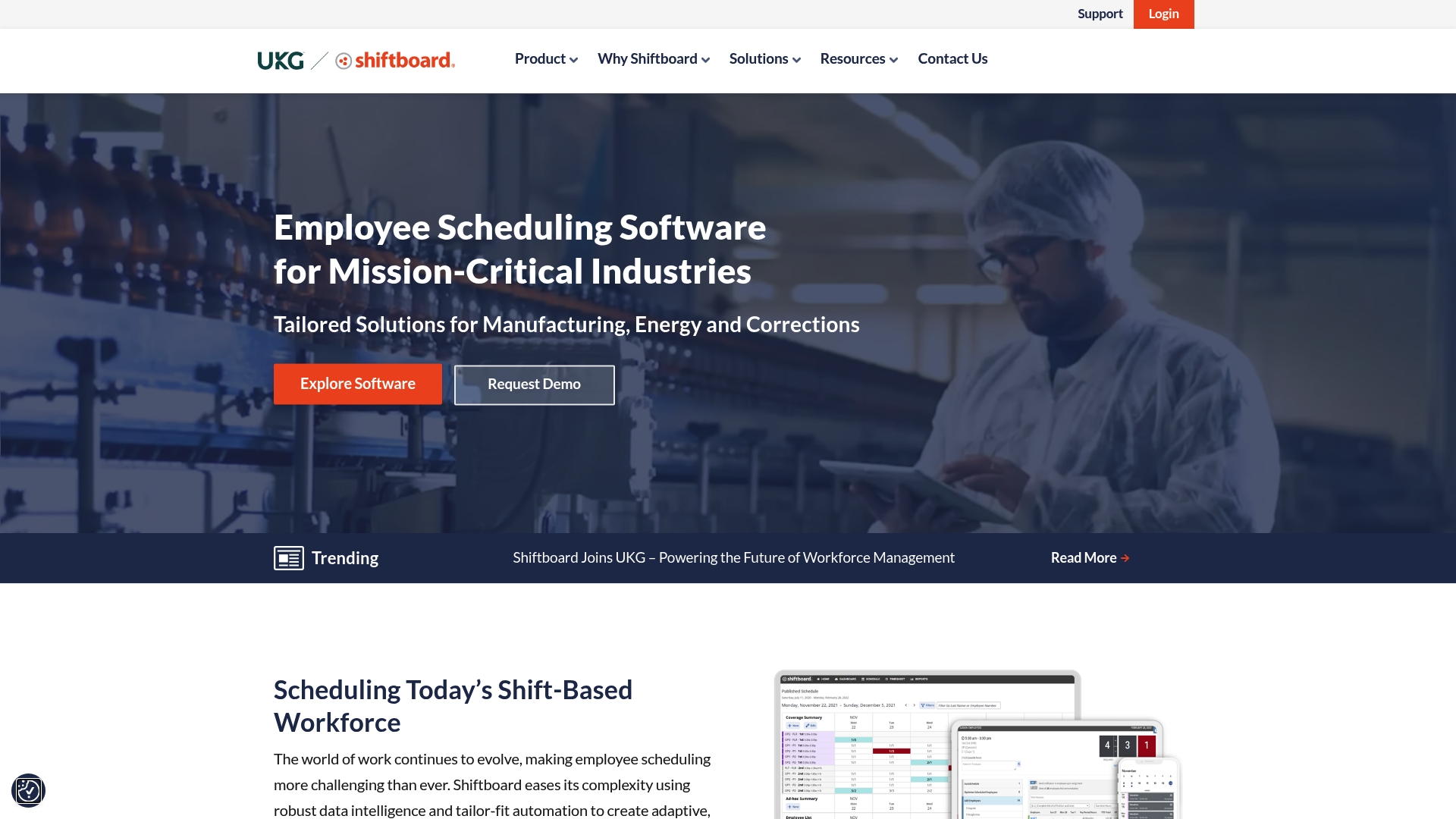
Shiftboard reports a 16% decrease in employee turnover and 88% higher shift coverage for a manufacturing client. That case highlights the platform's focus on measurable staffing outcomes for complex operations. The product is part of UKG and targets large, compliance heavy, shift based workforces.
Core Features
Shiftboard provides mobile employee self service with shift bidding and trade management, which helps workers trade or claim open shifts. The platform includes automated scheduling driven by demand data, overtime controls, and fatigue tracking that support long hour and union rules. It also enforces compliance rules and integrates with payroll, HRIS, and time systems for end to end labor management.
Key Differentiator
The platform's main strength is its configurability for compliance heavy industries. Administrators can model union rules, pay rules, work hour limits, and site specific policies. That level of rule control sets it apart from simpler roster tools aimed at small businesses.
Pros
Shiftboard performs well at large scale multi site scheduling and complex rules enforcement, which reduces manual scheduling work for operations teams. It pairs dedicated customer success implementation with ongoing support, making large rollouts easier to manage. The platform also connects to major HR and payroll systems so data flows reduce duplicate entry and help control labor costs.
Cons
- Interface clutter and an outdated visual design make daily navigation slower than modern tools.
- Common tasks require many clicks, which lengthens routine scheduling work.
- No intuitive drag and drop scheduling makes quick edits cumbersome for schedulers.
- Adding or deleting shifts can be a slow process, contributing to a steep learning curve for new users.
When It May Not Fit
If your operation is small or uses simple weekly rotas, Shiftboard's configuration and training needs will likely be overkill. Teams that prefer a visual drag and drop scheduler will find the interface frustrating. Organizations that need rapid setup with minimal admin overhead may want a lighter tool.
Notable Integrations
- UKG Workforce Central
- UKG Pro Workforce
- HRIS systems
- Payroll platforms
- Time and attendance systems
- Labor forecasting tools
- Business intelligence systems
Who It's For
Operations leaders and managers at large enterprises with shift based workforces will get the most value from Shiftboard. It fits workplaces that must enforce union agreements, overtime rules, and fatigue policies across multiple sites. Use it when compliance complexity and scale outweigh a preference for a simple scheduling UI.
Real World Use Case
A manufacturing firm used Shiftboard to automate multi shift schedules and apply union rules. That deployment reduced overtime and, according to the vendor, improved retention and coverage as noted above. The case shows how rule driven scheduling can change operational metrics when configured and supported properly.
Pricing
Pricing is not applicable in this listing and is informational only. Shiftboard typically offers enterprise quotes rather than published per seat tiers. Contact Shiftboard or your UKG representative for a tailored pricing proposal.
Website: https://shiftboard.com
Comparison of alternatives
Heyhive provides resource managers with an ability to create weekly schedules using AI technology, evaluating staff roles, availability, and compliance requirements in seconds. Competing alternatives offer their own advantages based on organization-specific needs and priorities.
Speed Versus Customization
Heyhive’s AI-driven scheduling emphasizes speed and precision, while competitors like SubItUp prioritize depth of customization. Organizations in industries requiring specific certifications or rules derived from diverse regulatory environments may prefer SubItUp, as it incorporates advanced configurations not found in other platforms. Conversely, Heyhive’s AI generates schedules quickly without compromising strict operational constraints, making it particularly suited for fast-paced environments.
Integration Strengths
Workforce.com combines scheduling with integrated payroll and HR workflows, giving it strength in unifying administrative tasks, while SocialSchedules focuses on POS integration that ties sales data to labor needs for hospitality entities. These integrations appeal to organizations that require interconnected operational overviews.
Best fit
- Teams requiring rapid and accurate shift scheduling while adhering to staff roles and compliance constraints will benefit from Heyhive.
- Organizations with deep customization demands for industry-specific workflows will find SubItUp advantageous.
- Companies prioritizing POS integrations linked to staffing reports should explore SocialSchedules as a option.
- Large enterprises enforcing union rules and compliance on multiple sites should consider Shiftboard.
Our pick
Choose Heyhive for businesses needing quick, precise scheduling alongside real-time staffing constraints and manager oversight. While alternatives succeed in specific dimensions, Heyhive enables efficiency and reliability across management processes, especially in time-sensitive scenarios.
Compare these platforms based on scheduling efficiency and their ease of management tools.
| Product | Primary Feature | Best For | Pricing | Limitation |
|---|---|---|---|---|
| Heyhive | AI-built weekly shifts with insights | Restaurants, retail, mobile teams | Price not published | Recommendations require manager review |
| When I Work | Affordable mobile scheduling | Small retailers, restaurants | $2.50–$5 user/month | Initial setup may feel slow |
| Workforce.com | Integrated scheduling, HR, payroll | Hospitality, retail, healthcare | Price not published | Limited customization options for enterprise workflows |
| SubItUp | Configurable platform, self-service | Education, healthcare, retail | $0–$5.08 employee/month | Advanced setup requires significant training |
| SocialSchedules | Sales-aware scheduling and analytics | Restaurants, hotels, retail stores | Free–$39.99/location | Occasional glitches affect usability |
| Shiftboard | Rule-based compliance scheduling | Enterprises with complex compliance | Price not published | User interface is less intuitive |
How Can You Solve Scheduling Challenges Without Losing Control?
Managing shift-based teams means juggling employee availability, certifications, and overtime limits while aiming for quick coverage. Heyhive answers these challenges with AI-powered scheduling that delivers full weeks of shifts in seconds. You approve schedules before publication, so you always keep final control and reduce errors.
Heyhive helps you:
- Generate complete weekly schedules respecting real-time rules
- Track GPS-verified clock-ins for field staff
- Speed up payroll processing with accurate hour exports
Let Heyhive handle the work behind the work so you spend less time on manual scheduling. Visit Heyhive to see how you can approve AI-built schedules and fill open shifts faster.
FAQ
How does Heyhive handle availability and overtime limits for employee scheduling?
Heyhive generates shifts that automatically enforce employee availability and overtime caps. The scheduler builds shifts quickly while respecting certifications and real-time constraints. You can expect a streamlined process that minimizes errors and enhances compliance.
What is the difference between Heyhive and When I Work regarding mobile features?
When I Work focuses on a mobile-first interface that combines scheduling, time tracking, and team messaging for shift-based teams. Heyhive, while also mobile-friendly, emphasizes AI-generated schedules with a manager review process that allows for swift approvals and full oversight. Choose Heyhive if you seek a more controlled scheduling environment.
Can I use Heyhive if I have multiple locations?
Yes, Heyhive is designed for managing multiple locations and supports complex scheduling needs effectively. The platform works well even for diverse teams by allowing managers to easily approve AI-generated schedules before publication. Expect improved efficiency in handling scheduling across various sites.
What features might make SubItUp a better option for some managers?
SubItUp offers deep industry customization and an all-in-one platform that combines AI-based automation with flexible workflows. If advanced configuration and specific industry tools are necessary for your operations, this might be a better fit. However, Heyhive’s ease of use for quick schedule generation could save time in complex environments.
How does Heyhive's approach to schedule approval benefit managers?
Heyhive requires manager approval for AI-generated weekly schedules before any shift is published. This ensures managers retain control and minimizes manual edits, resulting in faster coverage for open shifts and reduced administrative hours. You can expect a more efficient scheduling process with less back-and-forth.
Which platform provides better integration with HR systems?
Workforce.com integrates HR, payroll, and scheduling into one system for a streamlined experience. For teams seeking an all-in-one solution with built-in HR functionalities, this may be ideal. Heyhive excels in ease of scheduling but does not offer the same level of bundled HR features.