
If you need AI-generated schedules combined with GPS-verified clock-ins, Heyhive is the strongest place to start. It builds a full week of shifts in seconds, respects availability and overtime limits, and lets you approve before anything goes live. For managers whose primary pain is manual scheduling plus field attendance, that combination is hard to match.
Quick reasons to consider switching from 7shifts:
- Pricing pressure: 7shifts' paid tiers can outpace what small teams actually need
- GPS gaps: 7shifts focuses on restaurants; field and multi-site teams often need stronger location verification
- AI forecasting: not all plans include labor forecasting or AI-driven shift generation
- Payroll export friction: some users report limited direct integrations with Gusto, ADP, and Paychex on lower tiers
- Mobile self-service: staff expect shift-swap and availability requests from their phones without manager bottlenecks
The market for scheduling tools is wide, with over 20 credible alternatives spanning free tiers to enterprise contracts. The shortlist below narrows that to the categories that actually matter for U.S. business managers.
Table of Contents
- Which 7shifts alternatives should you compare?
- Profiles: what each category actually delivers
- How to choose the right scheduling tool for your team
- When should you actually switch off 7shifts?
- Key Takeaways
- What actually matters when you switch scheduling tools
- Heyhive fits where 7shifts falls short
- Useful sources and further reading
Which 7shifts alternatives should you compare?
| Category | Best For | Starting Price / Free Tier | Standout Feature | Time Tracking | GPS / Field | Payroll Export | Mobile / Self-Service | Integrations | Ease of Setup | Support |
|---|---|---|---|---|---|---|---|---|---|---|
| AI + GPS platform (Heyhive) | Multi-site, field ops, hourly teams | Tiered SaaS; free trial available | AI shift generation + manager approval | Yes, GPS-verified | Yes, arrival/departure | Payroll-ready export | Full self-service app | POS, HR, payroll | Fast | Onboarding included |
| Budget/simple scheduler (Homebase, ZoomShift) | Small teams, single location | Free tier available | Easy drag-and-drop builder | Basic timesheets | Limited | Basic CSV export | Yes | Limited | Very fast | Email/chat |
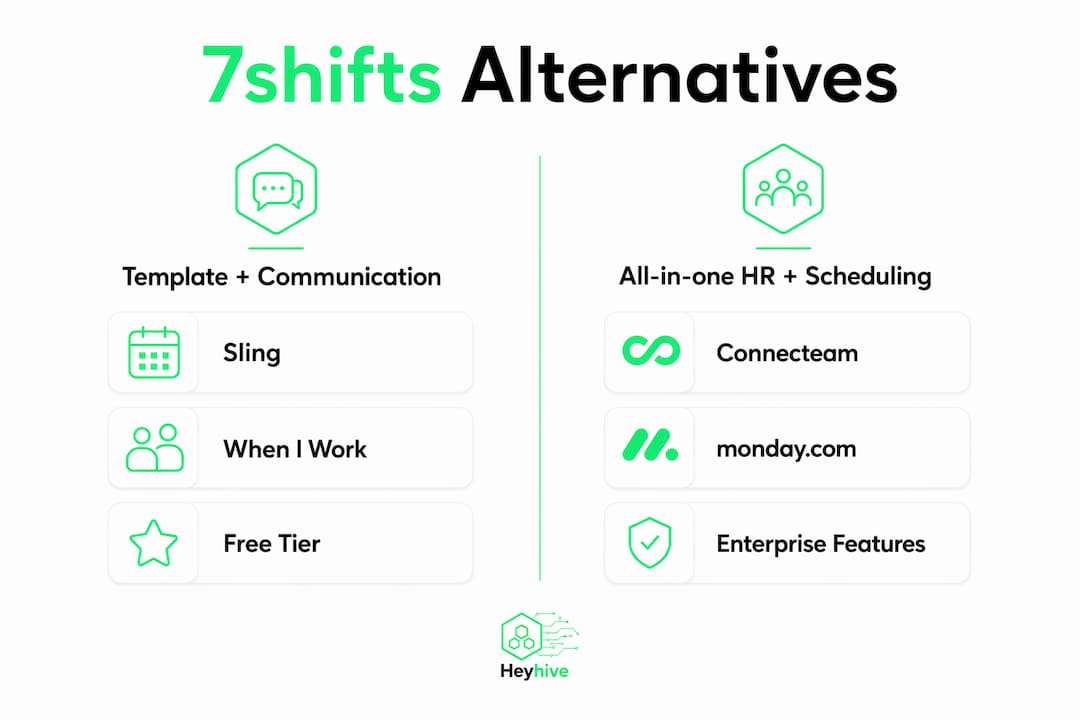
| Template + communication-first (Sling, When I Work) | Shift-heavy retail, hospitality | Free tier; paid from ~$2/user/mo | Messaging + shift templates | Clock-in/out | Geofencing on paid plans | Moderate | Yes | POS, some payroll | Fast | Chat/email |
| Forecasting / enterprise roster (Deputy, Humanity) | Multi-location, compliance-heavy | From typical per-user pricing; trial available | Labor forecasting + compliance rules | Advanced | Yes | ADP, Paychex, Gusto | Yes | Deep POS + HR | Moderate | Dedicated onboarding |
| All-in-one HR + scheduling (Connecteam, monday.com) | Deskless teams, project-based | Free tier (small teams); paid tiers | Task management + scheduling | Yes | GPS tracking | HR integrations | Strong | Wide ecosystem | Moderate | Chat + knowledge base |
| Simple drag-and-drop (Findmyshift, Zoho Shifts) | Small businesses, basic needs | Free tier available | Template-based schedule builder | Basic | Minimal | Limited | Yes | Basic | Very fast |
Pricing callout: Expect three commercial shapes across this market. Free tiers cover basic scheduling for small teams but typically exclude GPS, payroll export, and AI features. Per-employee monthly pricing within a common range is the most typical paid model and covers most mid-market needs. Enterprise quotes apply to platforms with deep compliance rules, dedicated support, and custom integrations. Always request a working trial that includes payroll export and a mobile test account before committing.
Profiles: what each category actually delivers
AI + GPS platform: Heyhive
Heyhive generates a full week of shifts automatically, factoring in employee availability, certifications, and overtime limits. Managers review and approve before anything publishes, so you keep control without doing the manual work. GPS-verified clock-ins cover field and multi-site teams, and payroll-ready exports connect directly to your payroll workflow.
- Pros: AI scheduling saves hours per week; GPS arrival/departure tracking; shift-fill automation; manager approval gate
- Cons: Newer platform; ecosystem integrations still expanding
- Who should pick it: Managers running field operations, multi-site hourly teams, or any business where manual scheduling and attendance verification are the core pain points
- Onboarding: Guided setup; most teams are live within a day
Budget/simple scheduler (Homebase, ZoomShift)
These tools prioritize speed and low cost. Drag-and-drop builders and free tiers make them accessible for single-location businesses with straightforward shift patterns. Payroll export is basic, usually CSV, and GPS is limited or absent.
- Pros: Free tier available; minimal learning curve; fast to deploy
- Cons: No AI scheduling; GPS is weak or add-on; payroll integrations are shallow
- Who should pick it: Small teams under 20 employees at a single location with simple, repeating schedules
- Onboarding: Self-serve; typically under an hour
Template + communication-first (Sling, When I Work)
Strong on team messaging and shift templates, these platforms suit hospitality and retail managers who spend more time communicating changes than building schedules from scratch. Geofencing appears on paid plans, but it is not GPS-verified in the same way field-ops tools deliver.
- Pros: Built-in messaging; template library speeds up recurring schedules; affordable per-user pricing
- Cons: Labor forecasting is limited; GPS is geofence-only; payroll integrations vary by plan
- Who should pick it: Restaurant and retail managers who need fast communication alongside scheduling, without complex compliance requirements
- Onboarding: Fast; most users are scheduling within a few hours
Pro Tip: Run one pay period on your new platform in parallel with your existing setup before cutting over. This catches payroll export gaps and GPS discrepancies before they affect paychecks.
Forecasting/enterprise roster (Deputy, Humanity)
These platforms go deep on labor forecasting, compliance rules, and multi-location management. They connect to major payroll providers including ADP, Paychex, and Gusto, and handle award interpretation and overtime rules. Setup takes longer, but the payoff is significant for complex operations.
- Pros: Strong labor forecasting; compliance rule engine; deep payroll integrations
- Cons: Higher per-user cost; configuration complexity; setup can require significant time for complex rule sets
- Who should pick it: Multi-location operators, healthcare, or any business with strict labor compliance requirements
- Onboarding: Dedicated onboarding; plan for one to two weeks
All-in-one HR + scheduling (Connecteam, monday.com)
These platforms bundle scheduling with task management, HR workflows, and team communication. Connecteam targets deskless workers specifically; monday.com suits project-based teams that also need shift coverage. GPS tracking is available but not the primary focus.
- Pros: Wide feature set; strong mobile apps; free tier for small teams
- Cons: Scheduling is one module among many; can feel over-built for pure scheduling needs
- Who should pick it: Businesses that want scheduling plus HR and task management in one subscription
- Onboarding: Moderate; plan for a few days to configure workflows
How to choose the right scheduling tool for your team
Match the tool's strongest capability to your primary reason for switching. If cost is the driver, a free-tier budget tool covers basic needs. If GPS and AI forecasting are the core requirement, you need a platform built around those features from the ground up.
Essential questions to ask every vendor:
- Does your payroll export connect directly to Gusto, ADP, or Paychex, or is it CSV only?
- How does GPS clock-in handle poor cell coverage or remote sites?
- What overtime and compliance rules are configurable out of the box?
- What does data migration look like, and do you provide migration support?
- What are your support hours and SLA for critical issues?
- Can I run a full working trial including payroll export and mobile clock-in?
Red flags to watch for:
- Pricing that requires a sales call to get basic numbers
- No transparent payroll export documentation
- Mobile app with poor reviews or limited self-service for staff
- No demo, no case studies, and no reference customers in your industry
Pilot process (5 steps):
- Pick your top two categories based on your primary switching reason
- Request a working trial for both, including mobile access for at least three staff members
- Run one full pay period in parallel with your current tool
- Verify payroll export accuracy against your existing records
- Collect staff feedback on the mobile experience before making a final call
Buyer roundups consistently recommend evaluating price, mobile UX, and payroll integrations as the three non-negotiable criteria before signing any contract.

When should you actually switch off 7shifts?
Scenario 1: You need GPS-verified field attendance. 7shifts is built for restaurants with fixed locations. If your team works across job sites, GPS arrival and departure verification is the gap. Look at an AI + GPS platform first. Migration is straightforward; pilot GPS clock-in for one pay period.
Scenario 2: Multi-site labor forecasting is a priority. A forecasting/enterprise platform handles this better. Migration is moderate; expect one to two weeks of configuration. The ROI signal is fewer overstaffed shifts within the first month.
Scenario 3: Budget is the primary constraint. A free-tier budget tool covers basic scheduling at no cost. Migration is fast. Watch for payroll export limitations before committing.
Scenario 4: You want AI scheduling without manual build time. Heyhive generates the schedule automatically and holds it for your approval. If you are spending more than two hours per week building schedules manually, this is the scenario to pilot first. Start with a free trial and run one week of AI-generated shifts alongside your current schedule.
Scenario 5: Conflict-heavy rostering is slowing you down. Template + communication-first tools reduce back-and-forth with built-in messaging and availability tracking. Migration is fast; most teams are live within a day.
For managers who need both AI scheduling and GPS verification in one platform, Heyhive is the option to evaluate first.
Key Takeaways
The strongest scheduling tool is the one whose core capability matches your primary switching reason, whether that is AI automation, GPS verification, budget, or compliance depth.
| Point | Details |
|---|---|
| Match tool to switching reason | Identify your primary pain (cost, GPS, AI, compliance) before shortlisting any platform. |
| Always test payroll export | Run a full pay period trial including payroll export and mobile clock-in before committing. |
| Free tiers have real limits | Free plans cover basic scheduling but typically exclude GPS, AI, and direct payroll integrations. |
| Enterprise tools need setup time | Forecasting and compliance platforms can require one to two weeks of configuration. |
| Heyhive for AI + GPS | Heyhive combines AI shift generation with GPS-verified clock-ins, covering both scheduling and field attendance in one platform. |
What actually matters when you switch scheduling tools
Most managers focus on features when evaluating employee scheduling alternatives. The smarter question is: what breaks first when you switch? In practice, it is almost always payroll export and staff adoption of the mobile app, not the schedule-building interface itself.
Platforms that look impressive in a demo can still create friction when your payroll team tries to reconcile hours or when a field worker cannot clock in from a remote site. The tools that hold up are the ones where GPS, payroll export, and mobile self-service were built as core features, not bolted on as upgrades.
The conventional wisdom says to pick the tool with the most integrations. That is the wrong filter. Pick the tool that handles your highest-frequency failure point flawlessly, then check integrations. For most U.S. managers running hourly or field teams, that failure point is verified attendance and clean payroll handoff, which is exactly where AI scheduling combined with GPS clock-in delivers the clearest operational return.
Heyhive fits where 7shifts falls short
Managers who need AI-generated schedules and GPS-verified attendance in one platform have a clear next step. Heyhive builds your week automatically, respects availability, certifications, and overtime limits, and holds every schedule for your approval before it goes live. GPS clock-ins verify arrival and departure for field and multi-site teams, and payroll-ready exports mean your hours data is clean before it reaches your payroll provider.

Migration is straightforward: most teams are scheduling with Heyhive within a day, with onboarding support included. If manual scheduling and attendance gaps are your two biggest time drains, this is the platform built to close both. Start your free trial at Heyhive and run your first AI-generated schedule today.
Useful sources and further reading
The findings below informed the comparison, profiles, and selection criteria in this article. Check each source for current pricing, trial terms, and case studies before making a final decision.
- 10 Best Free Employee Scheduling Software of 2026 — People Managing People: Feature differentiation roundup covering GPS, AI scheduling, and template-driven tools; useful for free-tier comparisons
- 20 Best 7shifts Alternatives & Competitors in 2026 — Techjockey US: Broad market overview with pricing model variety and payroll integration notes
- Top 7shifts Alternatives — TheDigitalMerchant: Buyer-focused evaluation criteria including price, mobile UX, and payroll integrations
- 7shifts Alternatives & Competitors 2026 — RFP.wiki: Review-based trust signals, setup caveats, and support SLA guidance
Before you decide: verify demo availability, request reference customers in your industry, and confirm support SLAs directly with each vendor. Published feature lists change; a live trial is the only reliable test.